How a Clapperboard Animation Became My Best Marketing Tool
A gamified clapperboard reward turns testimonial requests into moments clients share on social media, spreading word of mouth for free.
Aug 25, 20268 min read
Editing tips, workflow insights, and industry thoughts from Piotr Toczynski.
A gamified clapperboard reward turns testimonial requests into moments clients share on social media, spreading word of mouth for free.
Text reviews barely get read. Here is why video testimonials convert better, when to ask for them, and how I raised my response rate from 20% to 70%.

Password protection, download controls, and NDA workflows I use for confidential video projects, from pre-IPO messages to unreleased product launches.
My framework for the review, delivery, and follow-up experience that turns happy clients into repeat business and referrals.
My naming convention, folder structure, and feedback workflow for managing revision rounds without ever sending a client the wrong version.
My workflow for client color review: control the viewing environment, use before/after passes, and require timestamped notes tied to frames.
My workflow for editing across time zones: async delivery, structured feedback, and zero 2 AM calls with clients on the other side of the world.
Sending MP4 files for client review causes version chaos and vague feedback. Here's why I switched to timestamped review links instead.
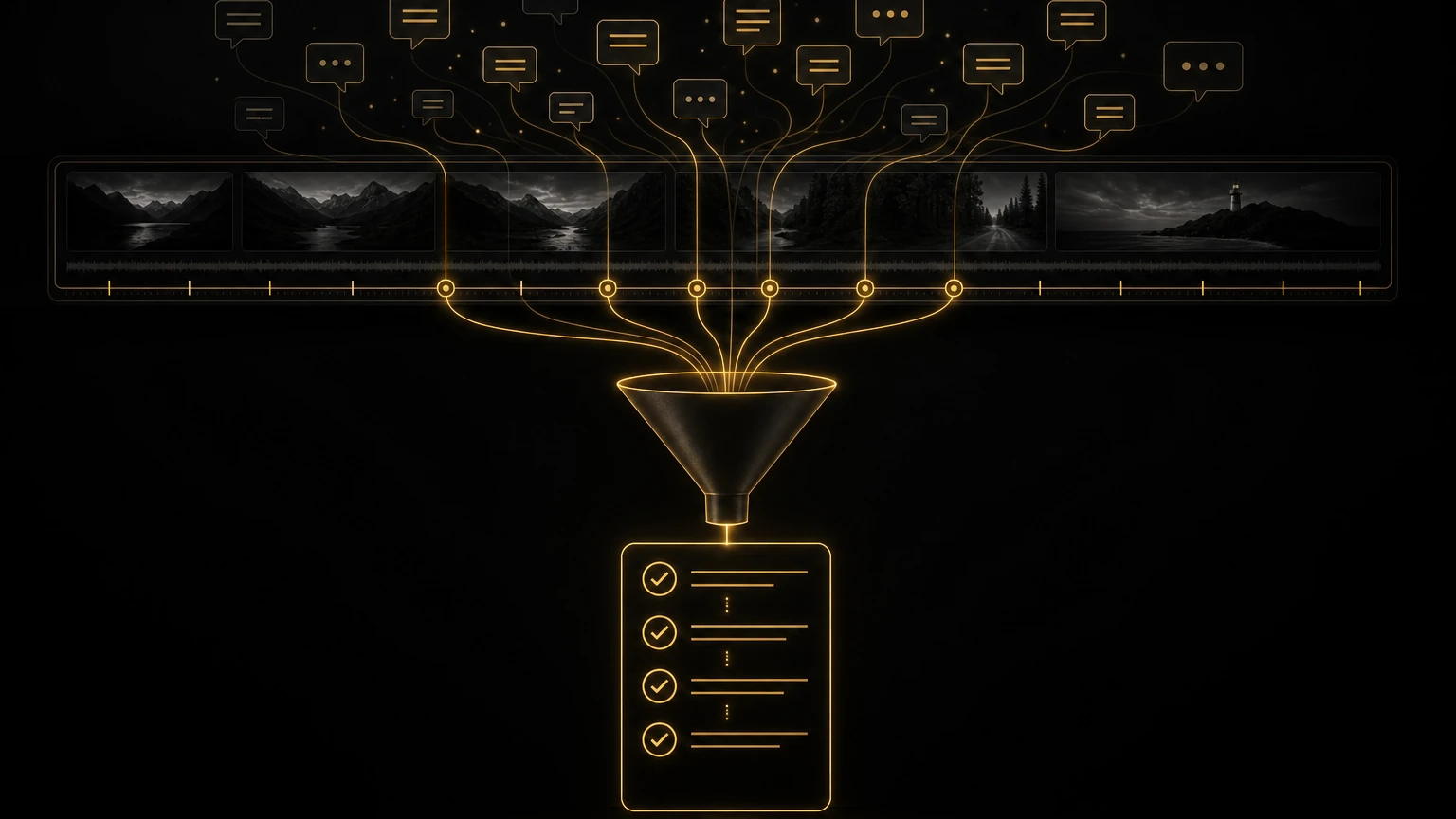
My five-step system turns chaotic client revision notes into an organized, predictable process, no more spirals, no more losing rounds to email chaos.
A $3,000 project that ate $6,000 in hours taught a video editor I know to build a four-document onboarding system that stops scope creep before it starts.
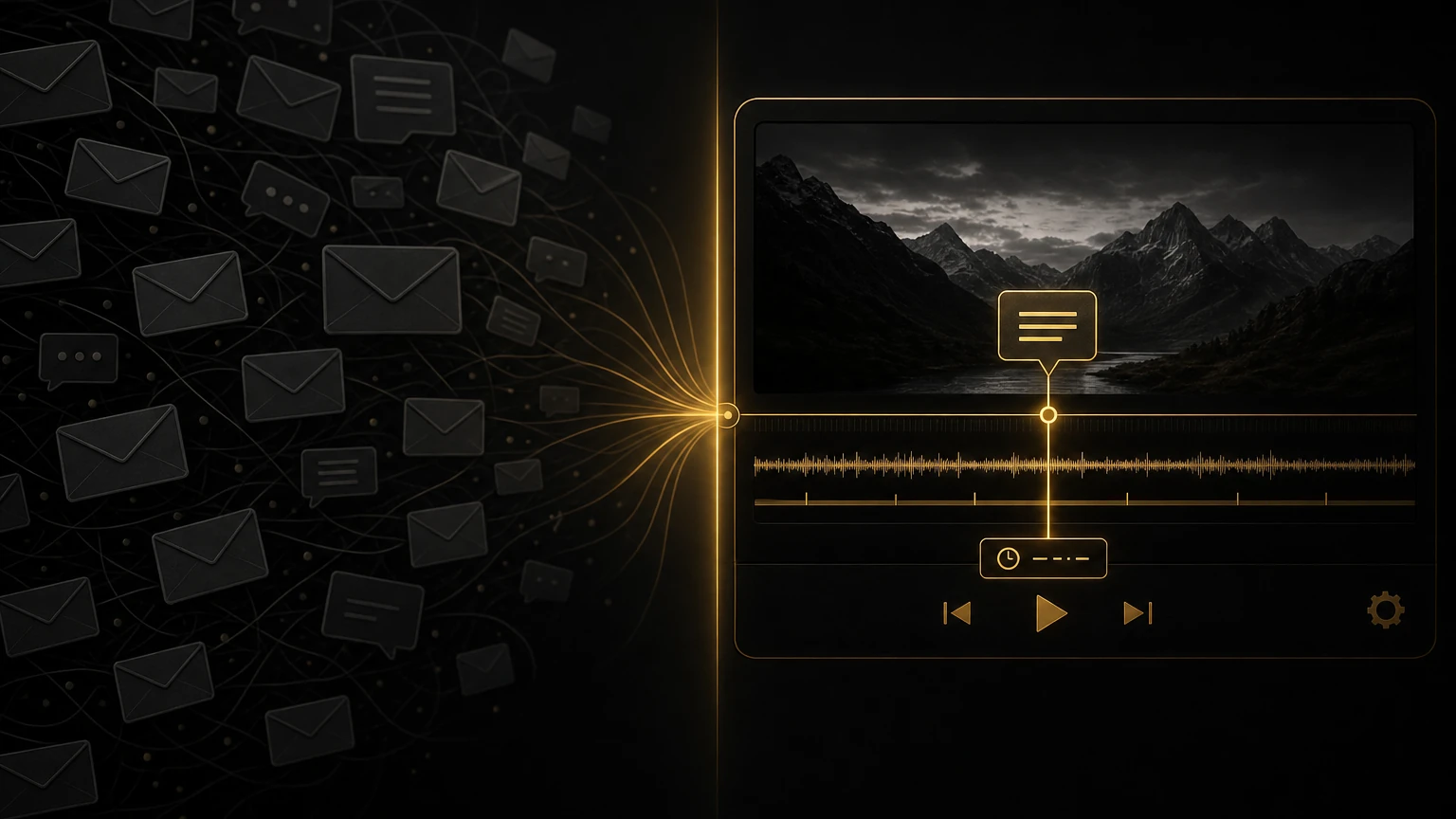
One project buried me in 47 client emails about a single cut. Here is how switching to timestamped video review fixed my revision process for good.
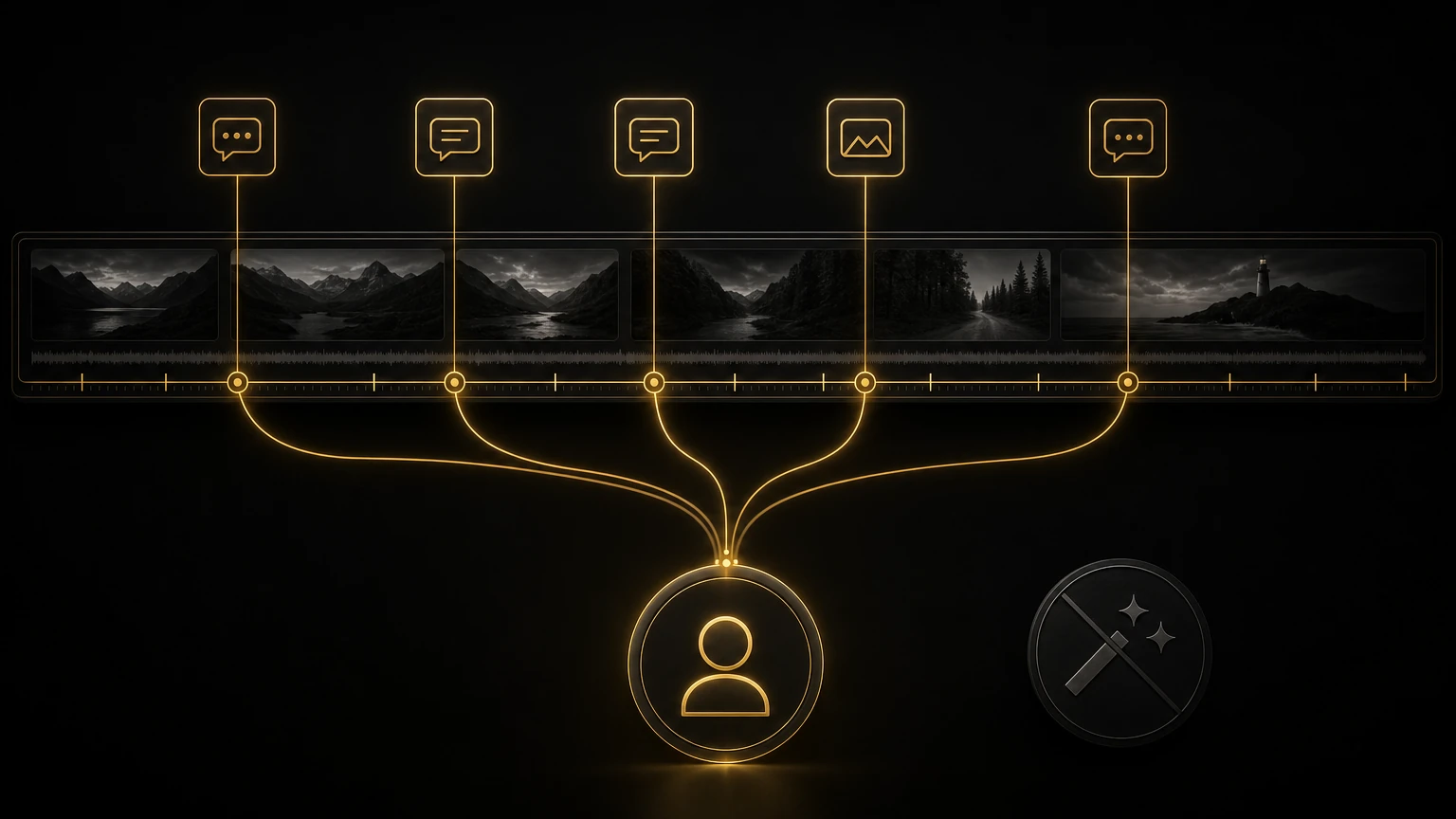
Tired of "make it pop" notes? Here is the client feedback system, one contact, structured notes, timestamped comments, that cut my revision rounds in half.
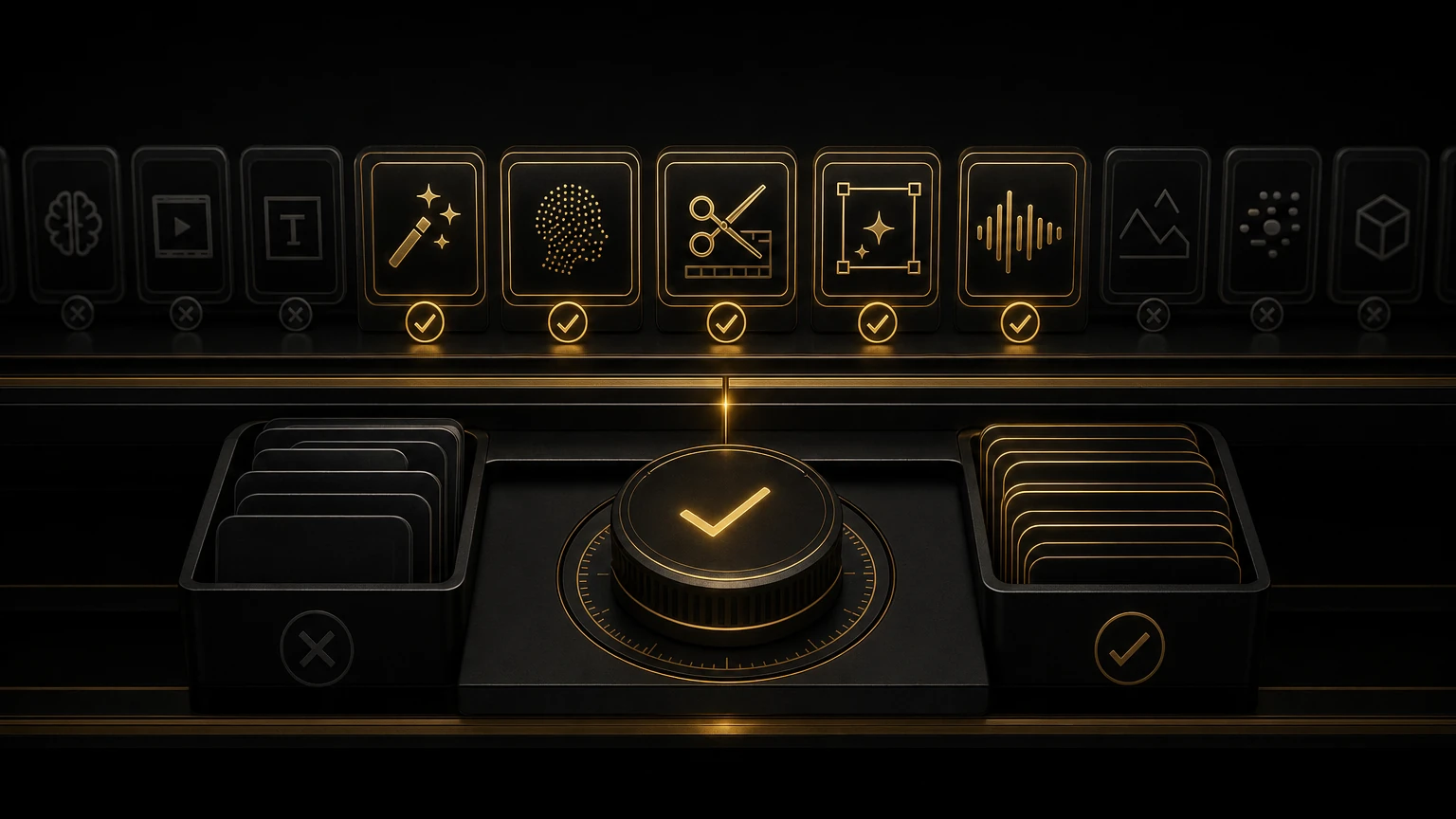
I tested dozens of AI editing tools on real projects this year. Here is what earned a permanent spot in my workflow, what is overhyped, and what to skip.
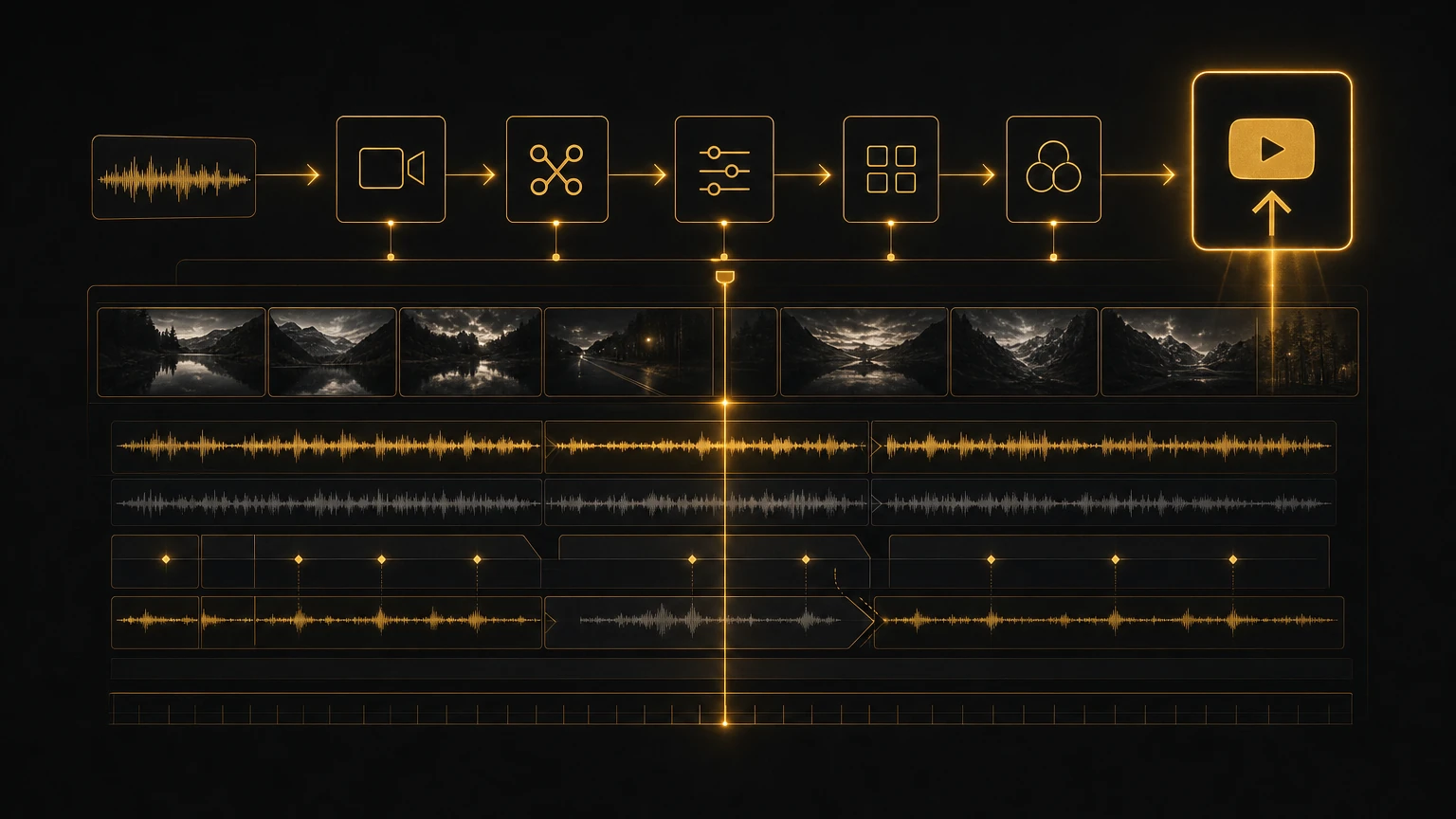
How top YouTube creators structure timelines: strong hooks, tight jump cuts, layered B-roll, music that leads, and editing built for the retention graph.
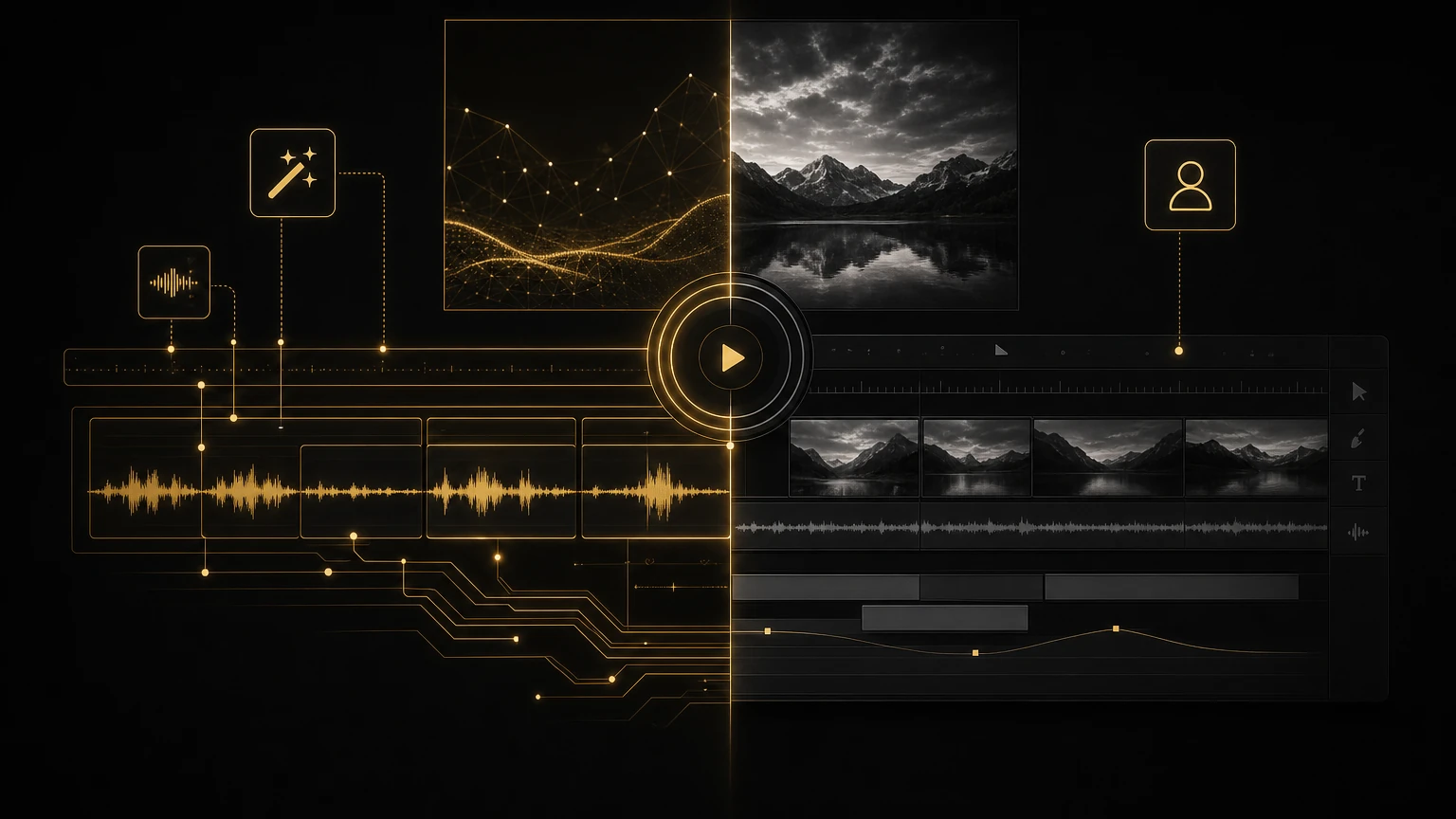
AI is great at transcription, clip logging, and audio cleanup, but the creative judgment of what to cut and what to hold is still yours. Here is the honest take.
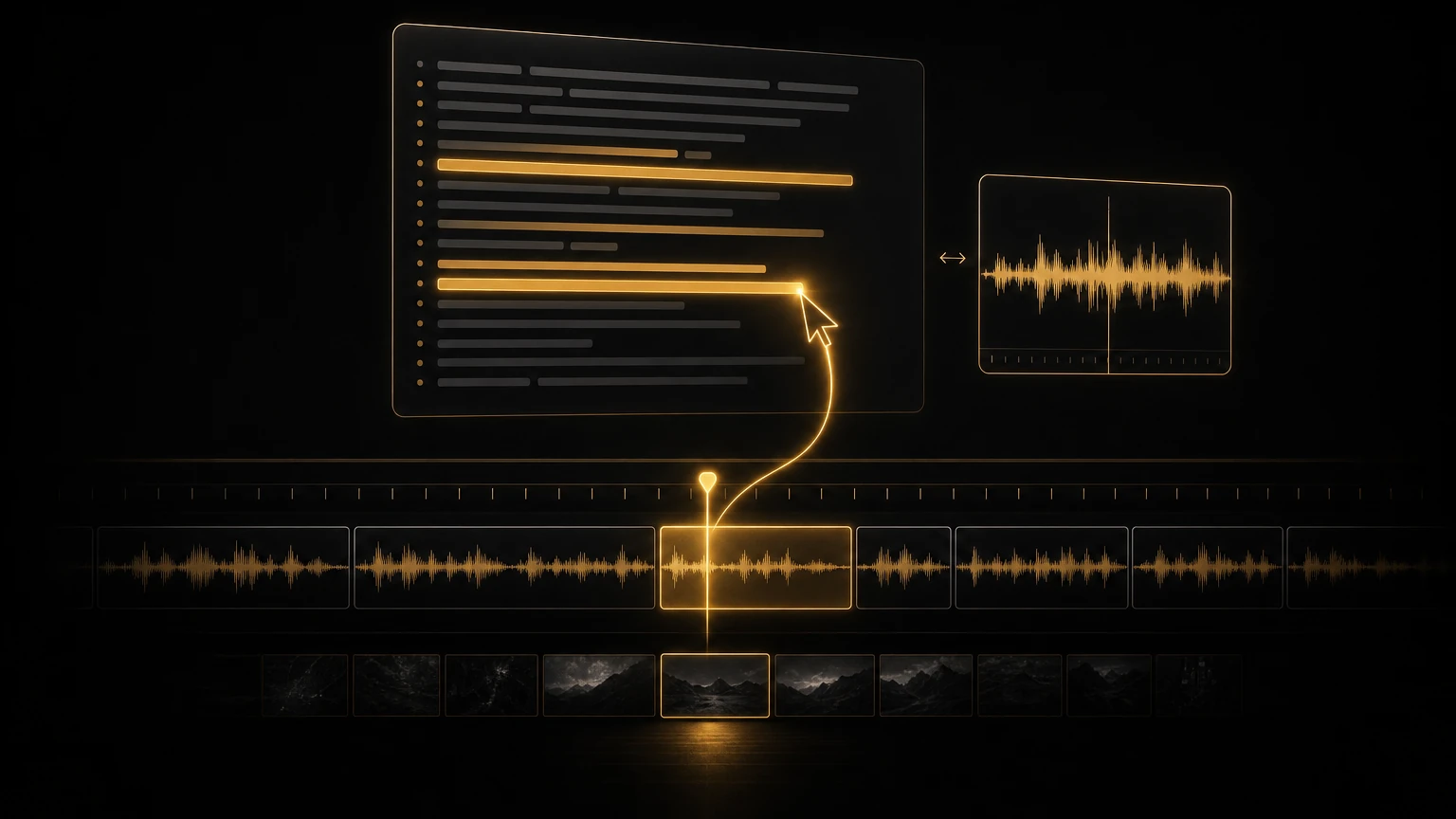
How I edit interviews faster by working from transcripts: text-based editing in Premiere, transcript search, smart exports, and AI Editor for multi-language footage.
Five interview editing techniques to turn flat talking-head footage into something people actually watch: cut on emotion, J-cuts, narrative arcs, and pacing.
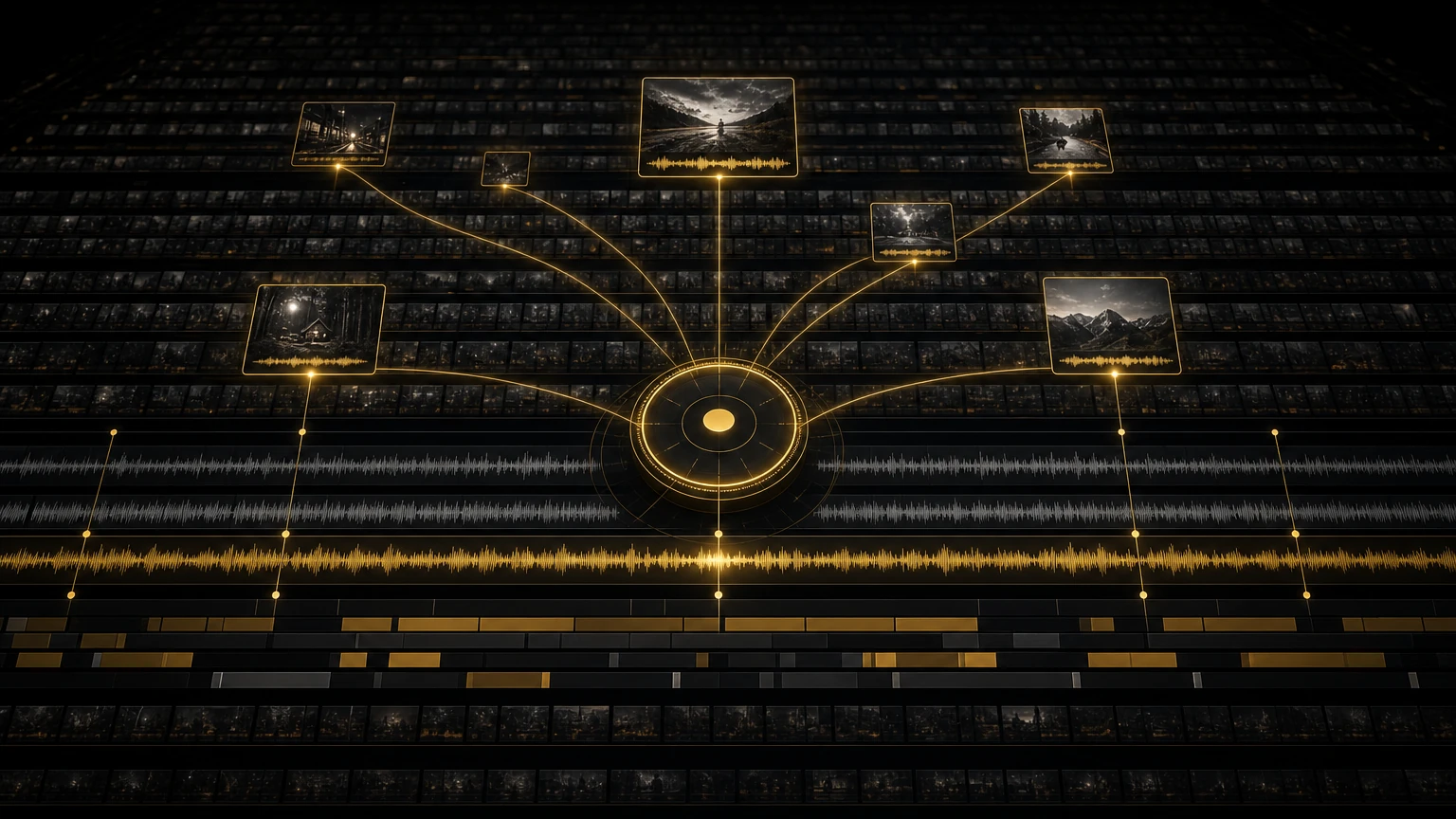
How I find the story in 100 hours of documentary footage: three-level logging, transcript-first navigation, AI Editor clip ranking, and structured stringouts.
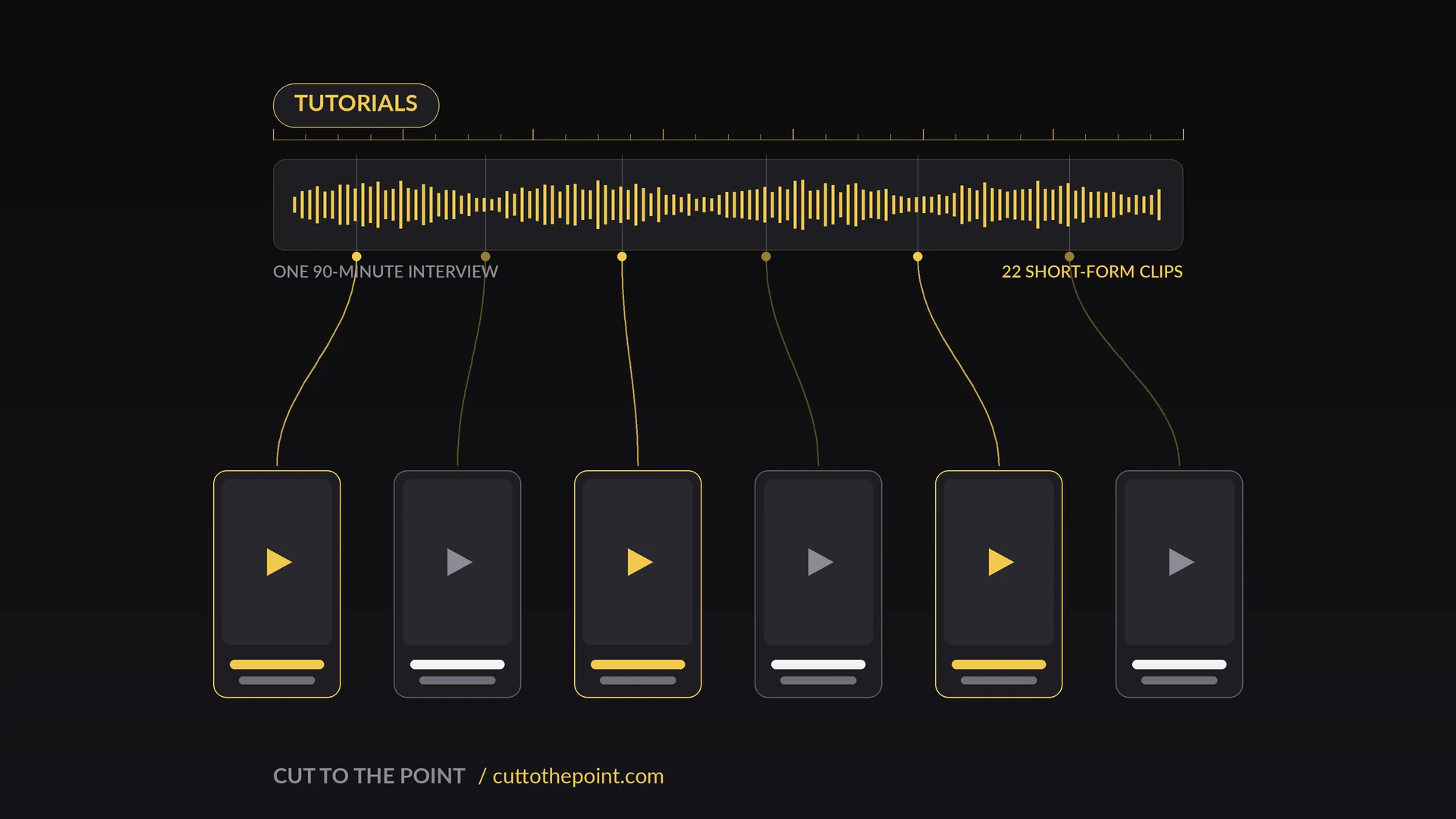
How I turn a 90-minute interview into 22 short-form social clips in under two hours, using AI Editor to find the moments and Clip Exporter to batch delivery.
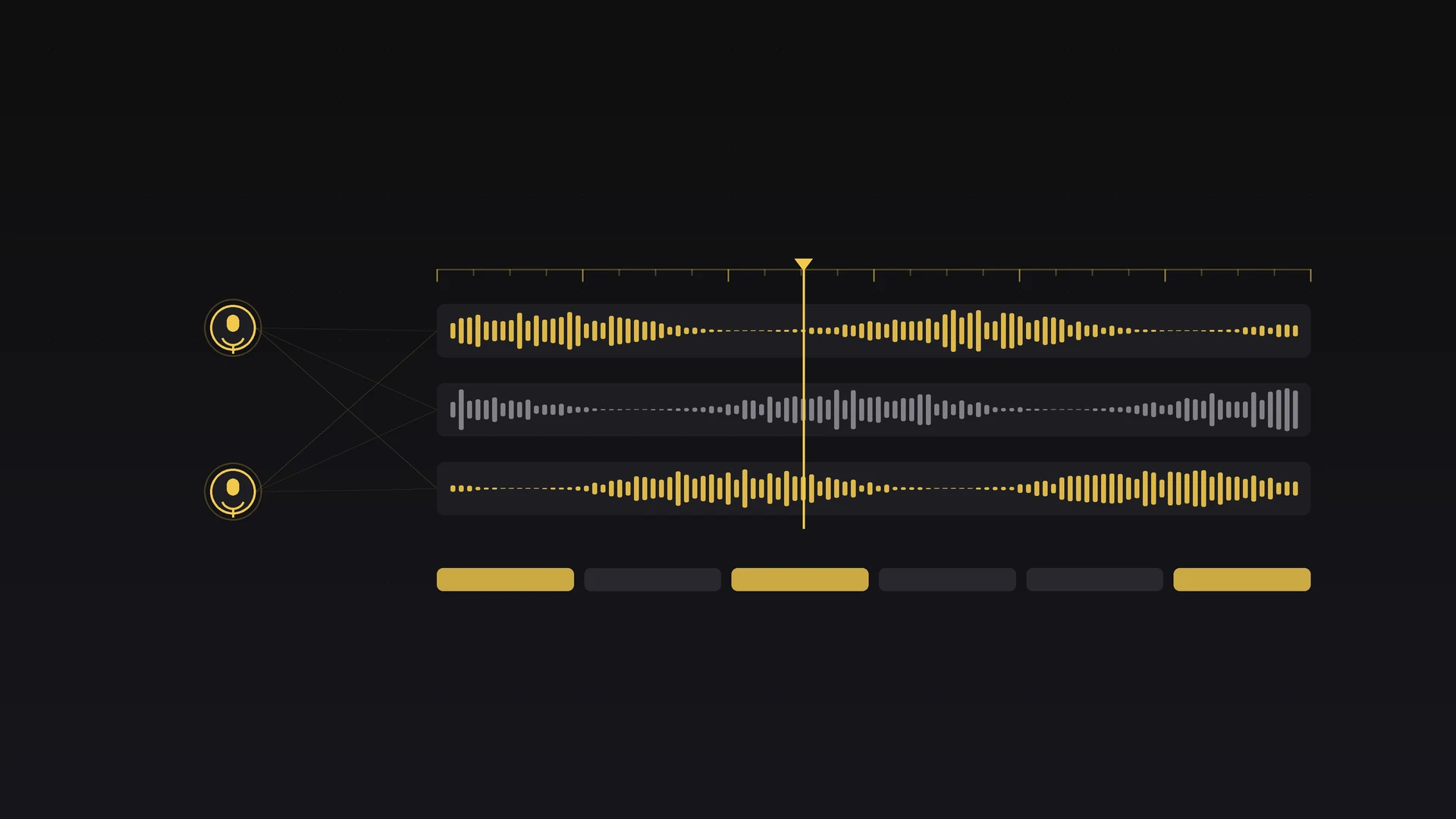
How I cut a 40-minute podcast episode to a polished final in under two hours: ingest, an AI Editor content pass, the creative edit, and batch export.
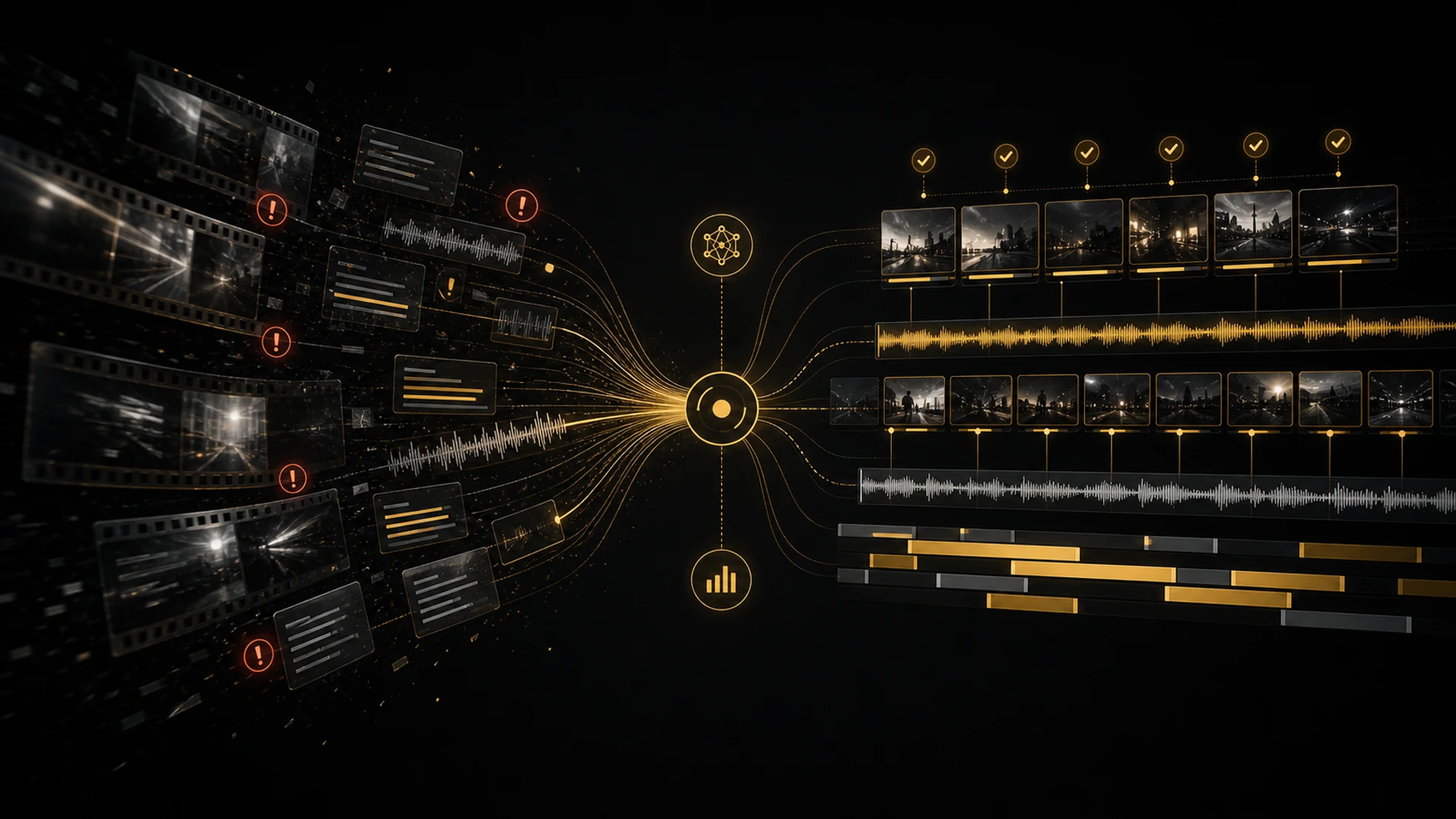
I have tested AI editing tools since 2020. Here is what genuinely saves time, what is still hype, and where AI Editor fits into a real edit.
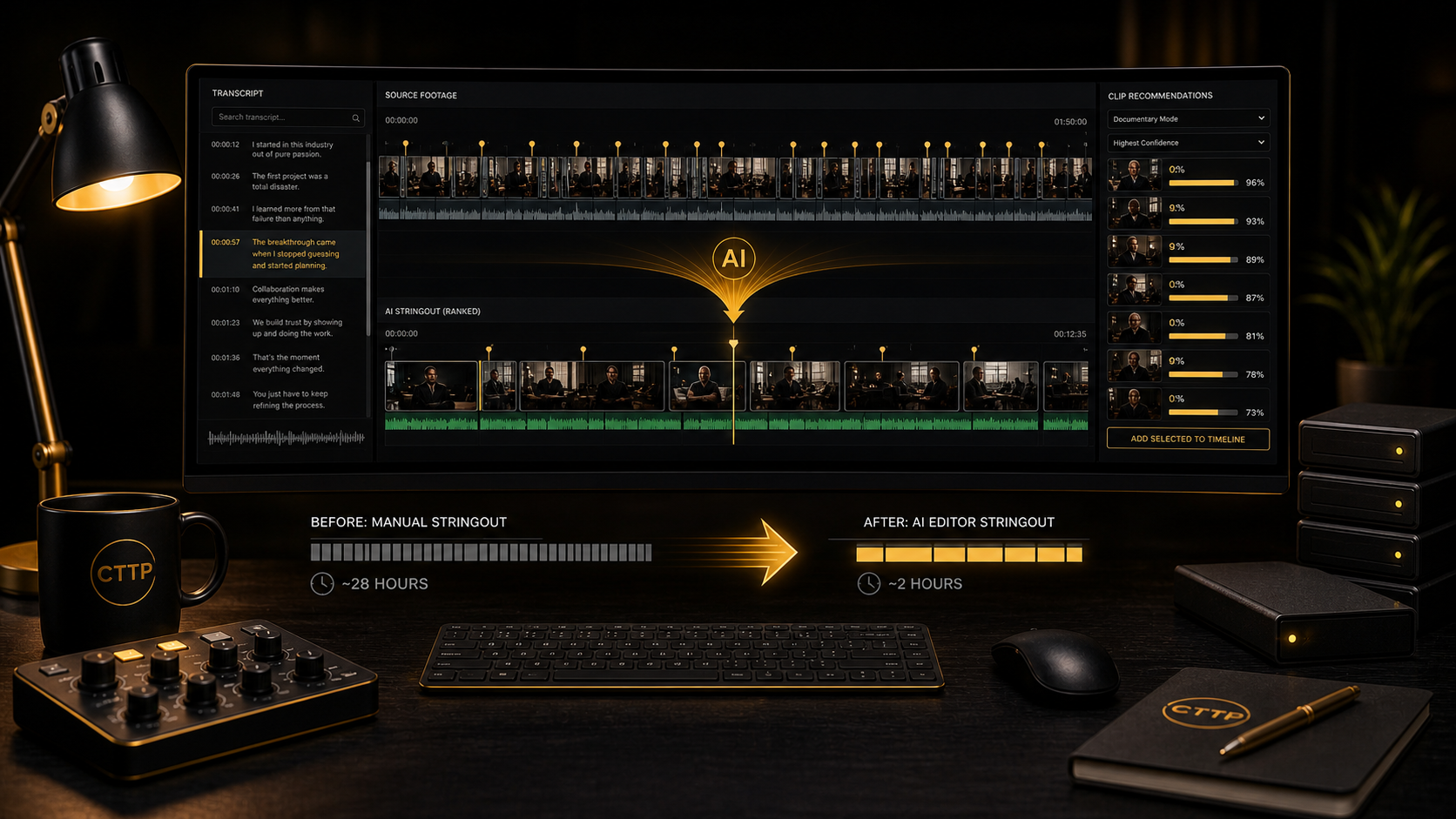
How I use AI Editor in Premiere Pro to turn forty hours of interview footage into a finished stringout in one morning, confidence-ranked clips and all.
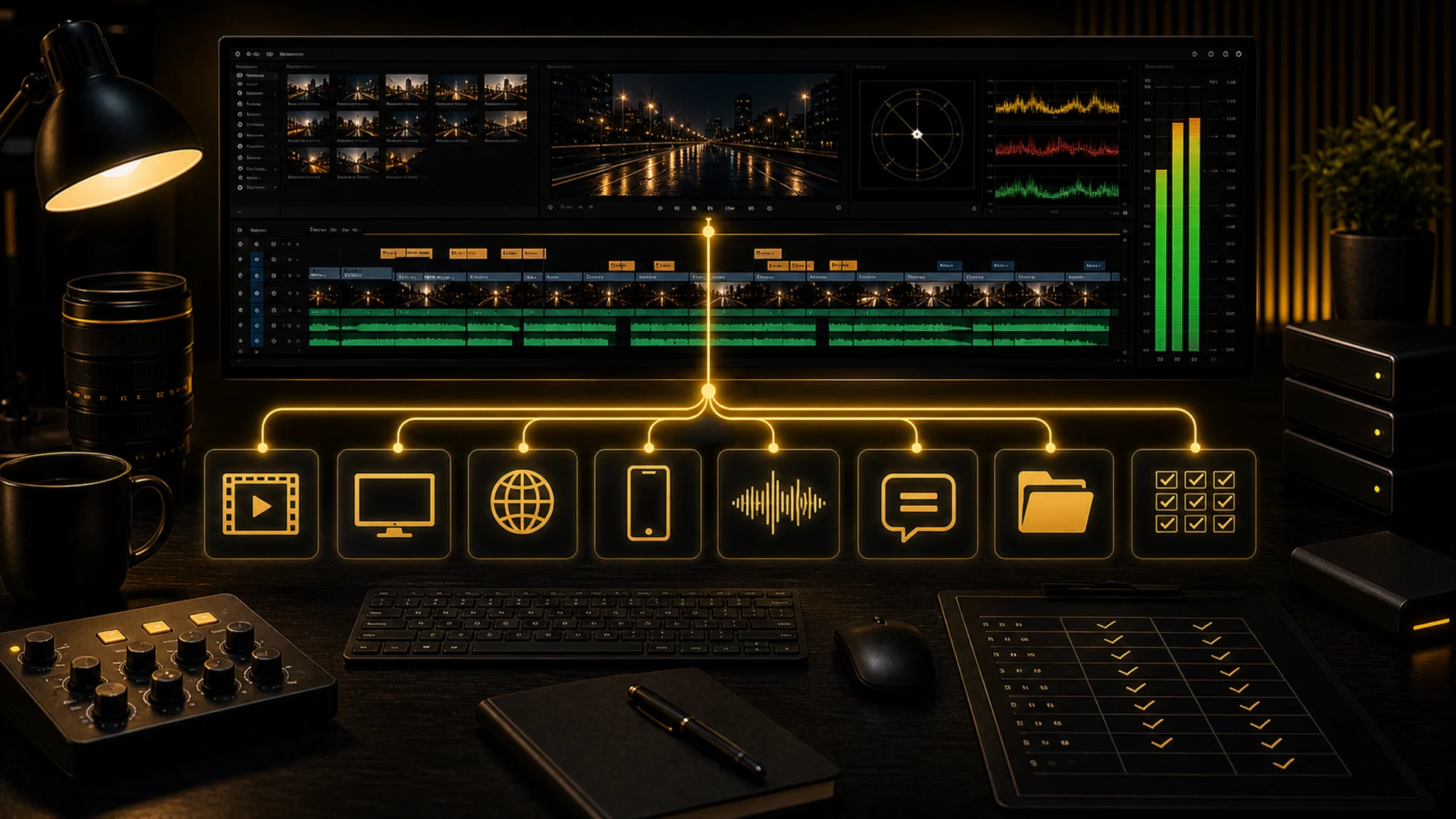
Every deliverable an editor needs: master files, broadcast specs, web and social exports, audio stems, and captions, with my exact Premiere Pro settings.
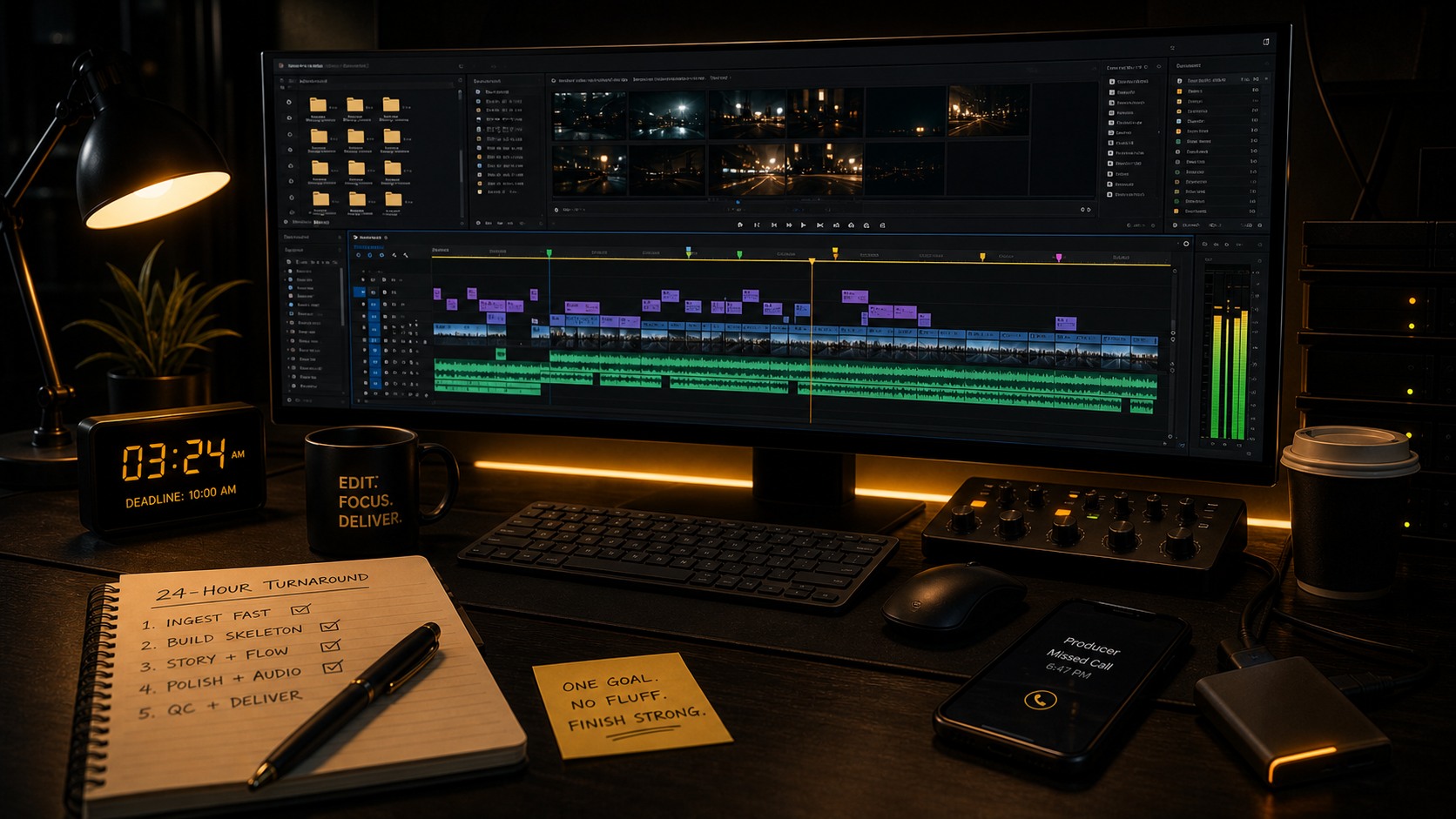
My system for surviving 24-hour edit deadlines: front-load decisions, ingest fast, build the skeleton first, and deliver a polished cut with time to spare.
My 10-minute Premiere Pro cleanup routine: purge dead sequences, audit media, fix your bins, and build an archive that reopens cleanly months later.
The Premiere Pro audio workflow I rebuilt from scratch: clip vs track effects, the three effects that matter, real level standards, and clean stem handoffs.
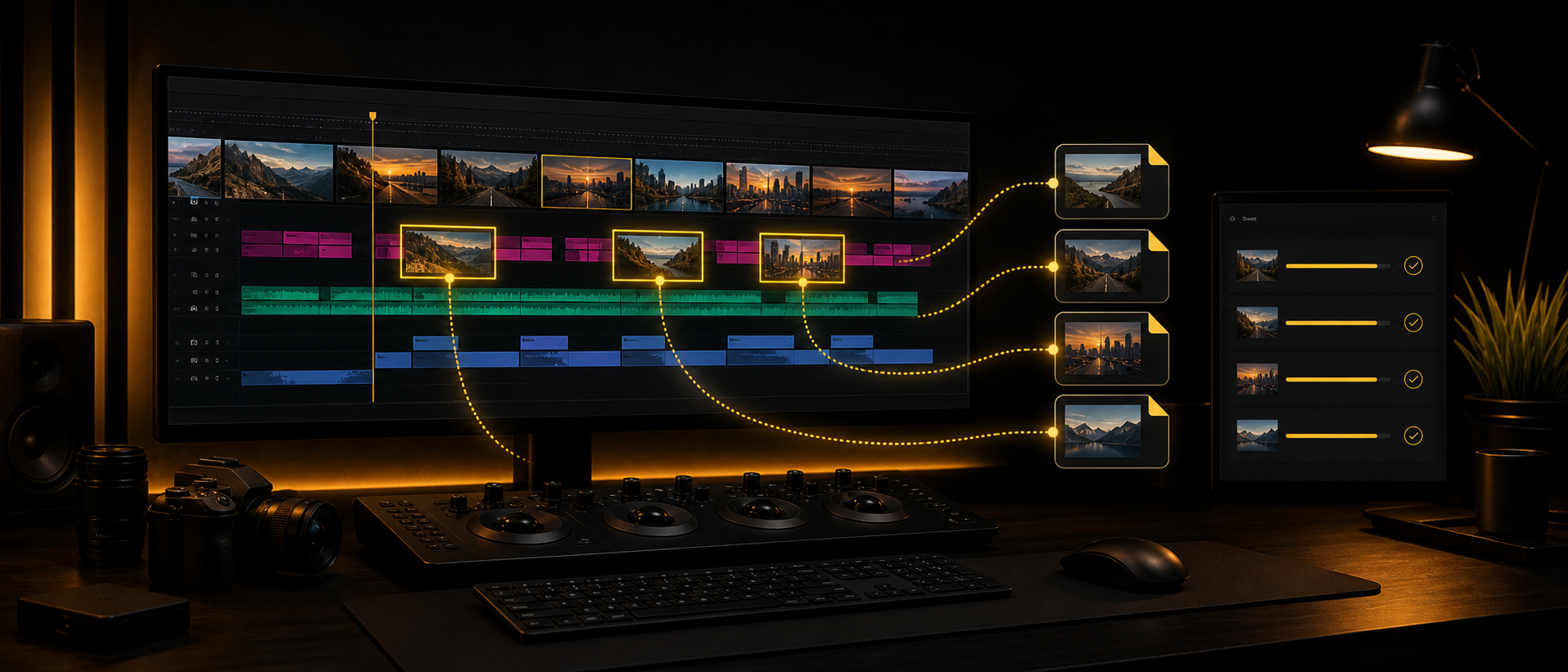
Clip Exporter 1.2 adds source footage names for cleaner handoffs, while keeping selected-clip exports, custom presets, timeline effects, and AME queueing.
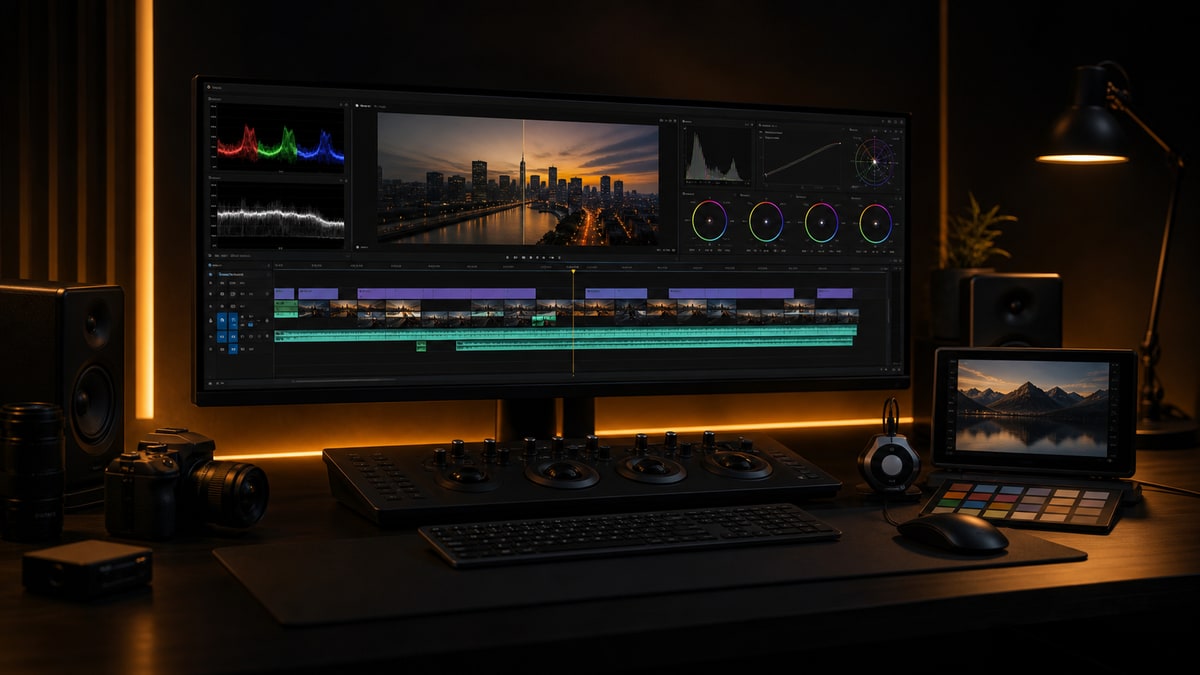
My full color management workflow in Premiere Pro and DaVinci Resolve, plus how I brief clients so color feedback stays specific and revisions stay low.
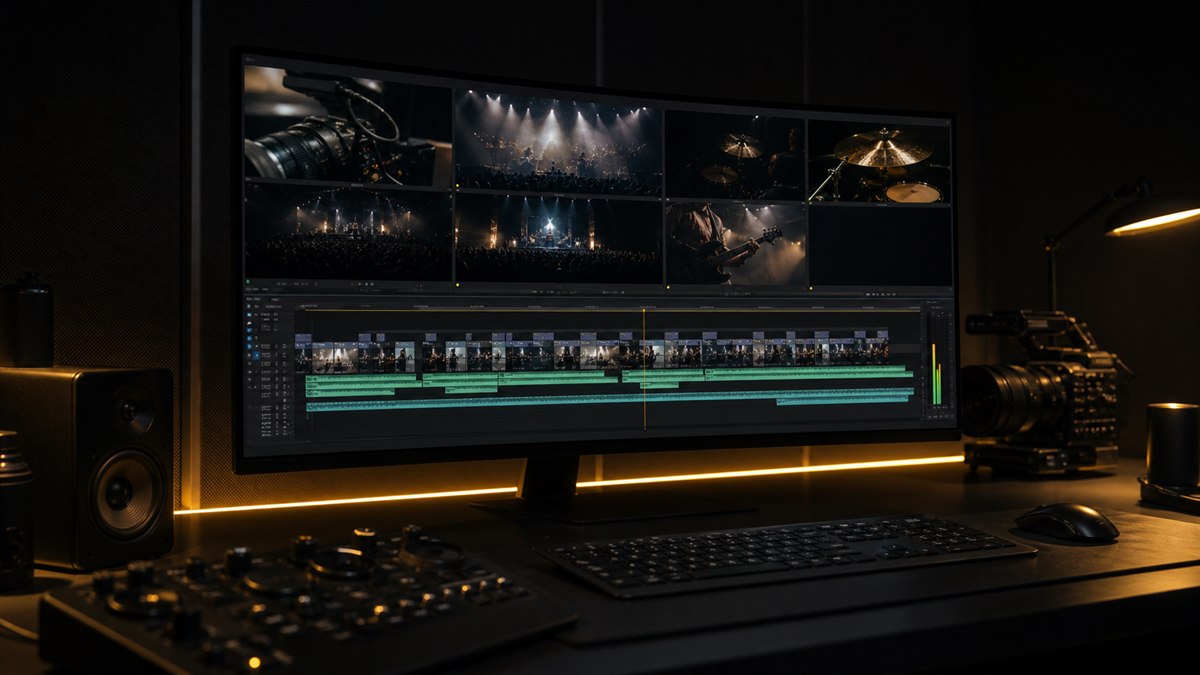
My complete multi-camera workflow in Premiere Pro, from sync method to fine cut and audio stems, with the pitfalls I learned the hard way.
The exact Premiere Pro project template I have refined over seven years. Bin structure, naming, color labels, marker conventions, and tracks.
The buried Premiere Pro keyboard shortcuts I actually use every day, mapped into a system that saves me two full hours of editing time each week.
I cut six-camera 6K multicam on a MacBook Pro with zero dropped frames. Here is the exact Premiere Pro proxy workflow that makes it possible.
Premiere Pro crashes are almost never random. These are the seven workflow habits that took my crash rate from a few times a week to twice a year.

Adobe just dropped Premiere Pro 26.2, but the real headline isn't the version bump. It's Color Mode — a completely new color environment that could finally change how editors think about grading in Premiere.

I had the incredible opportunity to sit down with legendary film editor Walter Murch to discuss his philosophy on editing, sound design, and the creative process.

Master the art of importing assets, managing cache files, and choosing the right codecs to create a bulletproof editing workflow that saves hours of troubleshooting.

Learn the essential practices that will minimize crashes, prevent data loss, and keep your editing sessions running smoothly, even under tight deadlines.