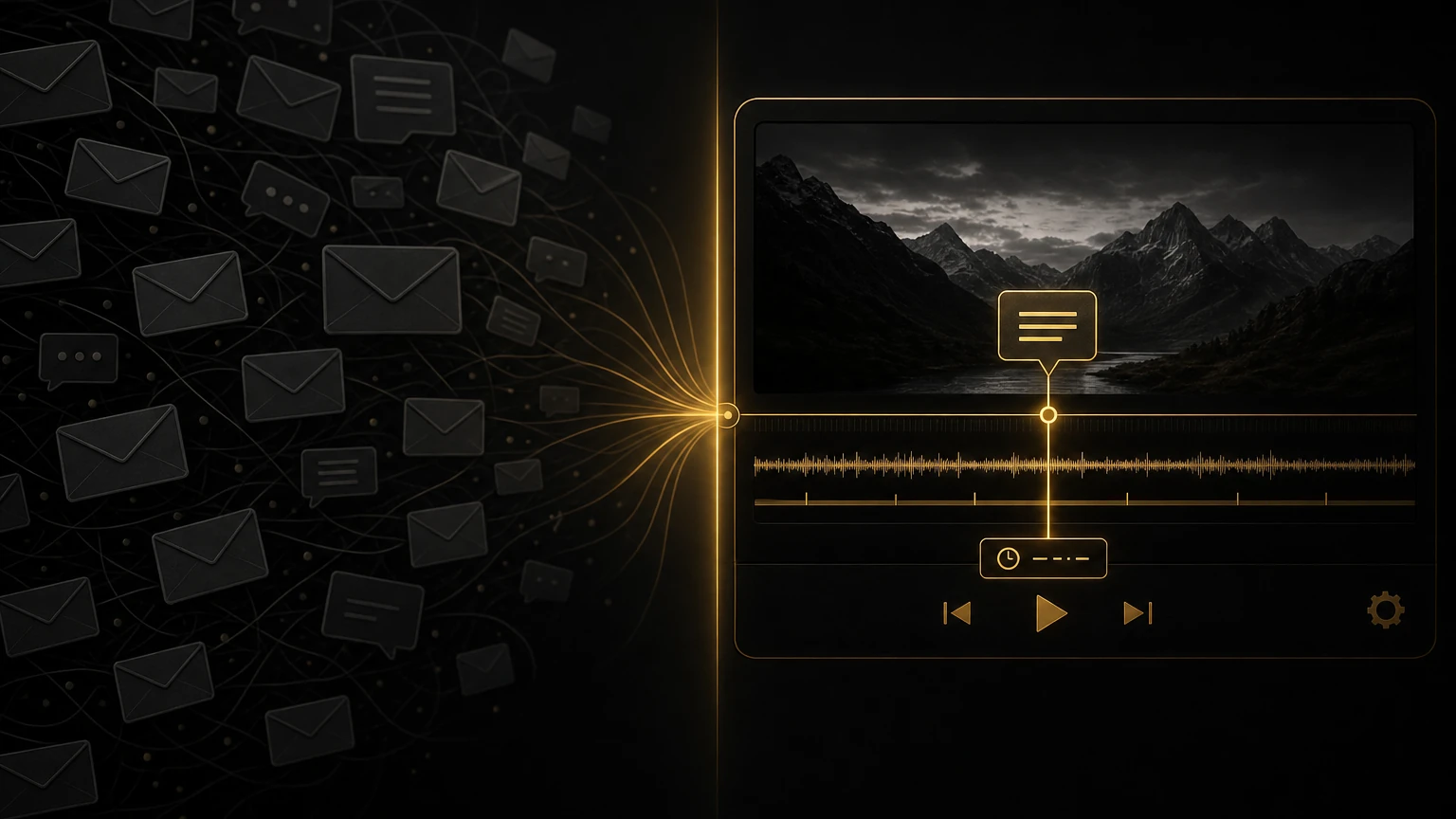
The Video Review Tool That Replaced 47 Email Threads
I counted them after the project wrapped. Forty-seven. Forty-seven separate emails about a single three-minute brand video. It was not even a complicated edit, a product launch film with a clean structure and a clear brief. But the feedback process turned it into a two-week nightmare I still think about sometimes.
It started normally enough. I sent the first cut over WeTransfer. The client downloaded it, watched it, and the emails began. Not a consolidated list of notes. Not a structured review. Just a steady drip of reactions and questions landing in my inbox over five days. "The music at 0:45 feels a bit off." "Can we try a different font for the lower thirds?" "My colleague watched it and thinks the opening is too slow." "Actually, disregard what I said earlier, she changed her mind." "What happened to the font change from a few emails back?" "Final notes, these should be the last ones." They were not. Email 47 said, finally, "Okay, THIS is the final version."
By the end, I had a chain of communication so long I could not remember what we had agreed on. I made changes based on one note, reversed them based on another, then re-added a modified version based on a third. The project folder had twelve sequence versions. The client was frustrated. I was burned out. Neither of us fully trusted that the final cut was actually final.
That experience broke me, not the editing (I love the editing), but the administrative chaos of it. The sense that I was a secretary for my own project, filing and cross-referencing emails instead of making creative decisions. Something had to change.
The Problem With Email Feedback
Email was not built for video review. We use it because it is familiar, not because it is good. Once you look at the problems honestly, it is wild that we ever thought this was a workable system.
- •Lost context. A client writes "the color looks weird around the one-minute mark." Which shot, the wide at 01:03 or the interview at 01:17? There is no visual reference, so I scrub and guess. Sometimes I guess wrong, change the wrong shot, and get another email correcting me.
- •Conflicting revisions. In a long thread, a client's opinion evolves. That is normal, watching something multiple times changes your perspective. But in email you get the whole evolution: the first reaction, the reconsideration, a colleague's input, the reversal. Figuring out which note supersedes which used to cost me real mental energy.
- •Version confusion. I would send "BrandFilm_v2" and get notes back that clearly described v1. The client opened the wrong file, or had an old one cached. It happened constantly, and I would make changes to address notes that did not even apply to the current cut.
- •The invisible audience. That 47-email project had at least seven different people watching and weighing in. I did not know who saw what, which notes came from whom, or who actually had decision-making power. I was getting feedback from ghosts.
- •No record of completion. Once a revision was done, the only proof was my word and the updated file. If a client said "I asked for that and you didn't do it," I had to dig through emails to show I had. Exhausting.
What I Switched To
I started using VideoReview.pro right after that 47-email disaster. A fellow editor recommended it, and I was skeptical, another tool to manage, another login, another thing to explain to clients. But I was desperate enough to try anything.
The difference was immediate, not gradual. Here is how it works: I upload my cut, generate a review link, and send it to the client. They click the link and watch in their browser. No download, no compatibility issues, no "this file is too large for your email server." When they want to leave feedback, they pause the video, click the exact frame that needs attention, and type their note. The comment pins to that timestamp. I see it as a marker on the timeline, click it, and jump straight to the frame they meant.
That is the whole system, and it eliminated nearly every problem I had been fighting.
How Timestamped Comments Change Everything
A client watches my cut. At 00:34, a shot lingers too long for their taste. They click, type "this feels slow, can we trim it?" and move on. I open the review page, see the marker at 00:34, click it, and I am looking at the exact frame. I make the trim and mark the comment resolved.
Total time from their note to my action: maybe three minutes. With email, that same note would have read "the part around 30 seconds feels a bit slow, maybe trim it a little?" Then I would scrub around 00:28 to 00:40 trying to guess which shot they meant, make a change, export, send it, and hear back "no, I meant the other shot." Round two. The specificity of pinned comments is the whole game. There is no ambiguity about what the client is referring to, no translation layer. The feedback lives on the video, at the moment it applies to.
Pro tip
When clients leave their first timestamped comment, they are usually surprised by how easy it is. I make a point of saying "just click wherever you are watching and type your note, it will attach right there." Most clients get it without any tutorial, but that one sentence of encouragement goes a long way.
Version Comparison Became Actually Possible
Before VideoReview.pro, comparing versions meant opening two Premiere projects, parking them on different monitors, and scrubbing through manually to spot differences. Or worse, relying on memory: did I already change the music cue at 01:15, or was that the version before last?
VideoReview.pro has a side-by-side comparison feature. I upload a new version to the same link, and clients can toggle between versions or view them split-screen and see exactly what changed. That is huge for managing revision expectations. When a client asks "did you fix the color on the product shot?" I can say "check the comparison between v2 and v3, it is at 01:22." They verify it themselves. The conversation shifts from trust-me to see-for-yourself, which is better for everyone.
I had a client recently who was convinced I had forgotten a title card change. I pointed them to the version comparison. They saw the change, realized they had been looking at an older download on their desktop, and apologized. No argument, no escalation, just clarity.
Password Protection for Sensitive Work
Not every project can sit on an open link. I have cut internal announcements, unreleased products, and footage under NDA that I could not risk leaking. VideoReview.pro lets me password-protect review links, so I get the convenience of link sharing with the security of controlled access. I set a password, send it separately from the link, and know that if it gets forwarded to someone who should not have it, they are stopped at the gate. Not Fort Knox, but the right level of security for most commercial work.
For genuinely sensitive projects, I also set expiration dates on links. The review page goes dead after a certain date, which is useful for pitches and competitive work where I do not want the link floating around forever.
Pro tip: Use password protection even for projects that do not seem sensitive. It signals professionalism. When clients see a password-protected review page, they register that you take security seriously, and small details like that build trust.
Old Workflow vs. New Workflow
Here is what changed, step by step, between the way I used to send cuts and the way I send them now.
Email Workflow
- Export, upload to cloud storage, copy link, write email, send.
- Client downloads the file and hopes it plays on their system.
- Client writes a note describing what they saw from memory.
- I decode the description and scrub the timeline to find the spot.
- I maintain a separate checklist and mark items done by hand.
- New revision means a renamed file and a fresh link.
- Comparing versions means juggling multiple Premiere projects.
VideoReview.pro Workflow
- Export, upload, copy one link, send.
- Client clicks the link and watches in the browser, no download.
- Client pauses, clicks the frame, and types the note right there.
- I click the comment marker and land on the exact frame.
- I mark comments resolved as I go, with a visual progress tracker.
- New version uploads to the same link, client sees it automatically.
- Built-in side-by-side comparison between any two versions.
The time savings are real. More importantly, the mental load is lighter. I am not managing a communication system anymore. I am managing a creative project, which is what I actually signed up for.
What Clients Think
I worried clients would resist another tool. "Can't you just send me the file?" I imagined them saying. Since switching to VideoReview.pro, not a single client has complained. Most have complimented the process.
Clients tell me they prefer it because they can leave notes while watching, without pausing to compose an email. Being able to compare versions helps them understand what changed, which makes them more confident in the final product. Producers who forward my review links to their own clients say it makes them look more organized too, a clean link instead of a forwarded email chain.
Pro tip
The first time you send a review link, frame it as a benefit to the client, not a requirement from you. "I am sending you a review link, you can watch it anywhere and leave notes right on the timeline, which makes revisions much faster." Lead with their convenience, not your preference.
The Pattern Holds Up
I started tracking revision metrics after switching, not obsessively, just a quick note after each project. The pattern has been consistent:
- •Average revision rounds dropped noticeably.
- •Each revision round takes a fraction of the time it used to.
- •More projects land on or ahead of schedule.
- •I need far fewer "quick calls to align on feedback" than I used to.
That last one is my favorite. Those "quick calls" were never quick. They were 30-minute conversations to clarify what could have been a three-second timestamped comment. Getting rid of most of them gave me back serious hours.
If You're Still Using Email, You're Working Too Hard
I do not think email is evil. I use it constantly for other things. But it is the wrong tool for video review, and every editor still using it is paying a hidden tax in time, clarity, and sanity. The alternative is not complicated or expensive. VideoReview.pro is purpose-built for what we do. It does not try to replace your whole workflow, it just handles the review process better than anything else I have found.
Sometimes you need to hit rock bottom to build something better. For me, rock bottom was an email thread that would not end.
Don't wait for your own 47-email project. Try a better way on the next cut you send.
More from the Cut to the Point blog, including how to get useful feedback from clients. If you want a second opinion on your revision process or client workflow, take a look at 1-on-1 consultations.
Share this article