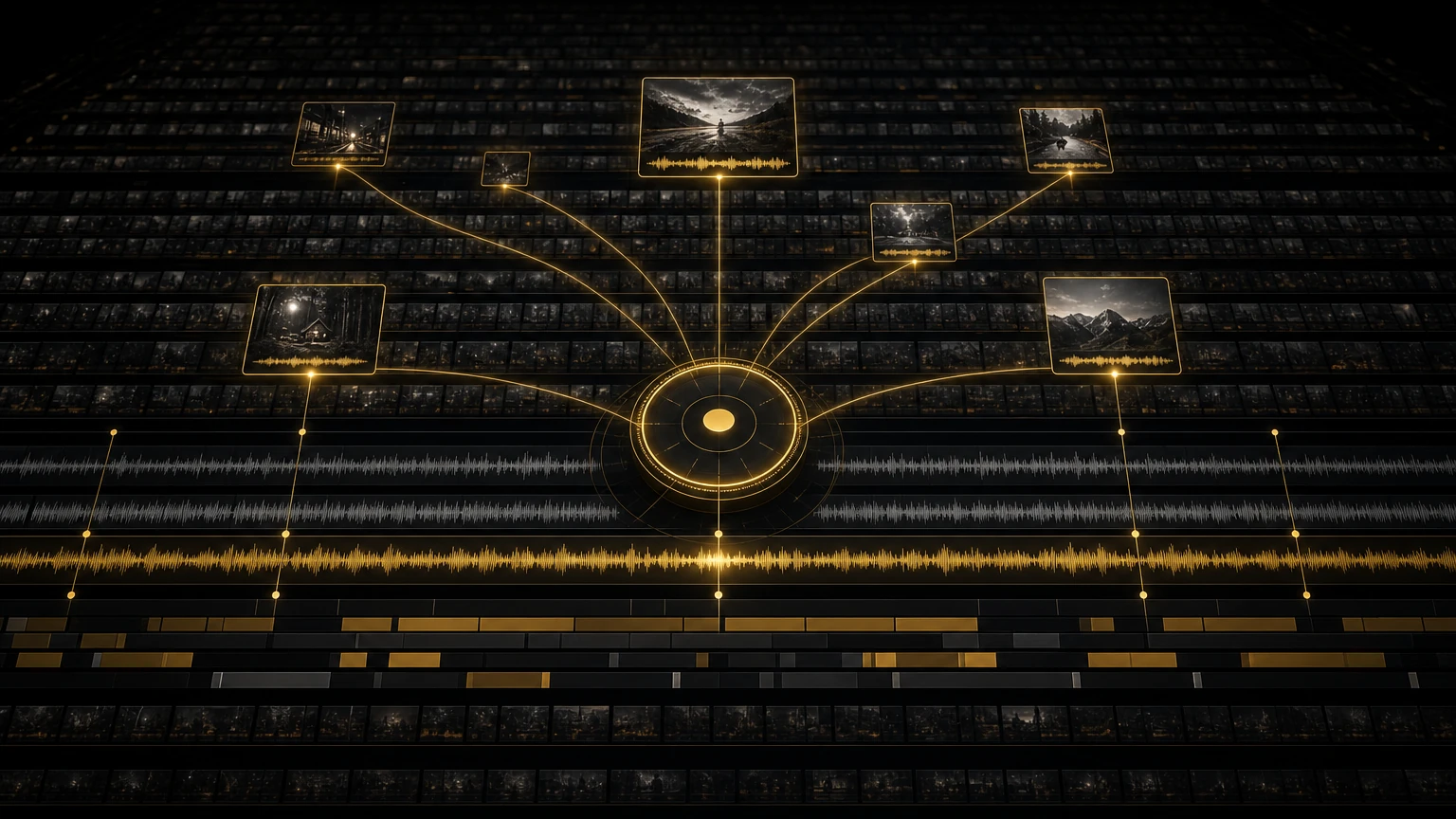
Documentary Editing: Finding the Story in 100 Hours
I had a documentary project last year that nearly broke me. A hundred hours of footage, interviews, verite scenes, archival material, drone shots, phone videos sent in by subjects, all for a feature-length film. The director had a vision. The producer had a deadline. And I had a bin full of clips with camera-generated names that told me nothing about what was inside.
I spent the first week just trying to understand what we had. By day five I was staring at a wall of colored markers and sticky notes, wondering if I had made a terrible career choice. That project taught me something important. Documentary editing is not about having a great eye or brilliant instincts. It is about having a system. A hundred hours of footage is unmanageable without one. With the right system it is just a big project, not an impossible one.
The Real Problem: You Cannot Watch Everything
Here is the math that haunts every documentary editor. A hundred hours of footage watched once, end to end, is twelve and a half eight hour days of pure watching. No editing, no logging, no thinking. And you cannot watch once. You watch to understand, then again to find the moments, then a third time to confirm you did not miss anything. Realistically that is five to six weeks of viewing before you make a single edit.
Nobody has that kind of time. Directors want a stringout in two weeks. Festivals have submission deadlines. The money runs out. So the real question is not how to watch all this footage. It is how to find the story without watching every minute.
My Logging System: What Actually Works
I have tried every logging system over the years: notebooks, spreadsheets, custom databases, dedicated logging software. Here is what I have settled on, and why. It comes down to three levels.
The Three Level Log
- •Level 1, the master shot list. A simple spreadsheet, one row per clip, with columns for clip name, date filmed, location, subjects on camera, a five to seven word topic, technical quality, and a flag for anything obviously important. I fill it in during or right after ingest. About thirty seconds per clip, and it gives me a searchable index of everything we have. When the director asks "do we have anything with Sarah from the farm?" I can answer in ten seconds.
- •Level 2, the transcript. Every interview gets transcribed. I used to do this by hand or hire it out. Now AI Editor handles transcription automatically, and the transcript becomes my primary navigation tool. Instead of scrubbing footage to find a quote, I search the text.
- •Level 3, the selects sequence. As I review footage I pull good moments to a selects timeline. These are not finely trimmed, just rough ins and outs with a note on why I kept them. The selects sequence becomes my working palette once I start assembling.
Keep your selects organized by theme or character, not by source tape. A sequence called "Sarah, conflict with father" is far more useful than "INTERVIEW_042 SELECTS" when you are trying to build a scene.
Transcript Based Navigation: The Game Changer
The single biggest improvement in my documentary workflow came when I started treating transcripts as the primary way to navigate footage. Premiere's transcription tools, combined with AI Editor's clip ranking, made this practical at scale.
Search First Editing
When I need a specific moment, say Sarah talking about her childhood, I search the transcript for keywords: childhood, growing up, when I was young, my father, the farm. Every instance comes up with a timecode. I click through, listen to each one in context, and decide if it belongs in my selects. This takes minutes. The old way, opening each interview clip and scrubbing through it, would take hours.
AI Editor's Documentary Selects Prompt
For the initial pass through interview footage I run everything through AI Editor with the Documentary Selects prompt. It selects clips by confidence and moves them to higher tracks in your Premiere timeline, surfacing the moments with the strongest narrative content: emotional beats, clear explanations, turning points, and revelations. I work through each track top to bottom, color coding clips in Premiere as I go.
- •Green: core narrative material, the spine of the story.
- •Yellow: good supporting material, context, texture, secondary beats.
- •Purple: potential scene openers or transitions, moments that set up what is coming.
- •Red: does not serve the narrative.
The AI does not replace my judgment. There are always clips I disagree with, moments the algorithm undervalues, and fragments that only make sense in context. But it surfaces the best material first, so my time goes to evaluating quality instead of searching for needles in haystacks. This is the same confidence ranking I lean on in my stringout workflow.
Do not just look at the high confidence clips. Some of the most powerful documentary moments rank low: a long pause, a half finished sentence, a moment of vulnerability the algorithm does not recognize as important. I always skim the bottom thirty percent.
Building the Paper Edit
Before I touch the timeline for the rough assembly, I build a paper edit. It is an outline, sometimes in a document, sometimes on index cards, that maps the film's structure using transcript excerpts.
- Identify the acts. Most documentary stories break into three or four acts. I define what each covers and where the turning points are.
- Map the spine. The spine is the through line, the central question or conflict that carries the viewer. I list the key moments that form it, in order.
- Fill the scenes. Under each act I list the scenes needed, using transcript excerpts to indicate the content, and I note which source each excerpt comes from.
- Note the gaps. Where the paper edit says "need transition here" or "need B roll of farm," I flag what footage I still need. Sometimes that means requesting archival material, sometimes planning a pick up shoot.
The paper edit is my roadmap. It changes constantly once I start cutting. Scenes get reordered, new material surfaces, some scenes get cut entirely. But having that initial structure means I am not staring at a blank timeline wondering where to start.
The Stringout: Where Footage Becomes a Film
The stringout is the first assembly, all your best material arranged in roughly the right order. It is long, messy, and nowhere near finished. It is also the most important step, because it is where the film starts to exist.
- Start with the spine. I lay down the key narrative beats first, the moments that absolutely must be in the film, in the order that makes sense. That gives me the skeleton.
- Add the scenes. Using my paper edit I build out each scene with interview clips, verite footage, and B roll. I do not worry about pacing yet, I just get the content in place.
- Check the transitions. I watch how scenes flow into each other. Does the end of one set up the beginning of the next? Is there a logical or emotional through line?
- Listen for rhythm. Even in a rough stringout I note where the pacing drags, where it feels rushed, and where a scene needs room to breathe.
For that hundred hour project the stringout ran about four hours, three times the final runtime. That is normal. The job of a stringout is not to be the right length. It is to contain all the material that might belong in the film.
I keep a parallel timeline called ALT CUTS where I drop alternate versions of scenes: different interview clips that say the same thing, different B roll options, different scene orders. That way I can audition alternatives without destroying my main stringout.
Letting the Footage Speak
The best documentary advice I ever got came from an experienced documentary editor I worked with early on. She told me that my job is not to impose a story on the footage. My job is to listen to what the footage is trying to tell me, and then get out of the way.
That sounds philosophical, but it is intensely practical. Deep in a hundred hour project you develop ideas about what the story should be. You have a thesis, a point you want to make, and it is tempting to force the footage to support it. The footage usually has other ideas. I have had projects where the story I thought I was telling turned out to be the wrong one. The real story was in the moments I almost cut: the tangents, the contradictions, the subjects saying something unexpected.
AI Editor helps here in a way I did not expect. Because it ranks clips by content strength rather than by how well they fit my preconceptions, it surfaces material I might have skipped. The algorithm has no agenda. It just finds strong moments. Sometimes those moments lead me to a better story than the one I planned to tell.
When to Stop Logging and Start Cutting
This is the question that haunts every documentary editor. Am I done logging? Have I watched enough? My honest answer is that you are never done logging and never fully ready. At some point you start cutting with the material you have and trust that you will find more as you go.
My rule of thumb: once I have reviewed the AI ranked clips from all the key interviews and built my initial paper edit, I start the stringout. I keep logging the rest in parallel and add new material as I find it. I do not wait until everything is logged to start assembling. That way lies madness and missed deadlines.
The Numbers: Time Breakdown for a 100 Hour Project
Here is how the timeline actually shakes out on a large documentary, old workflow versus working with AI Editor.
- •Ingest and organization: 2 days, unchanged.
- •Transcription: 5 to 7 days by hand, down to 3 to 4 hours.
- •Initial clip review: 10 to 12 days, down to 2 to 3 days.
- •Logging and selects: 5 to 7 days, down to 3 to 4 days.
- •Paper edit: 2 to 3 days, unchanged.
- •Stringout assembly: 5 to 7 days, down to 2 to 3 days.
- •Rough cut and fine cut: roughly unchanged, this is the creative work.
The big savings are in transcription and initial clip review, the parts that used to eat the first three weeks of a project. With AI Editor I get through those phases in under a week, which means I am starting the stringout while the old workflow is still watching raw footage. For a project with a tight festival deadline, and that is most documentary projects, those two weeks are the difference between making the cut and missing it.
The Bottom Line
Documentary editing at scale is a logistics problem disguised as a creative one. You cannot make creative decisions until you know what you have, and you cannot know what you have in a hundred hour project without systematic tools and processes. The system I have described, three level logging, transcript based navigation, AI assisted clip review, paper edits, and structured stringouts, is not the only way to work. But it keeps me sane, keeps the director happy, and keeps the project moving even when the footage feels overwhelming.
If you are staring down a massive documentary project and wondering how to start, let AI Editor handle the initial review. It is the single biggest time saver in my documentary workflow, and you can find it on the presets and plugins page. The Documentary Selects prompt was built for exactly this kind of work, finding the story in footage that would take weeks to watch manually. The footage has a story to tell. Your job is to build a workflow that lets you hear it.
More from the workbench: read the AI Editor stringout deep dive and how I batch social clips from one interview, or browse the full blog. When you are ready to speed up your own edits, grab AI Editor from the presets and plugins page.
Share this article