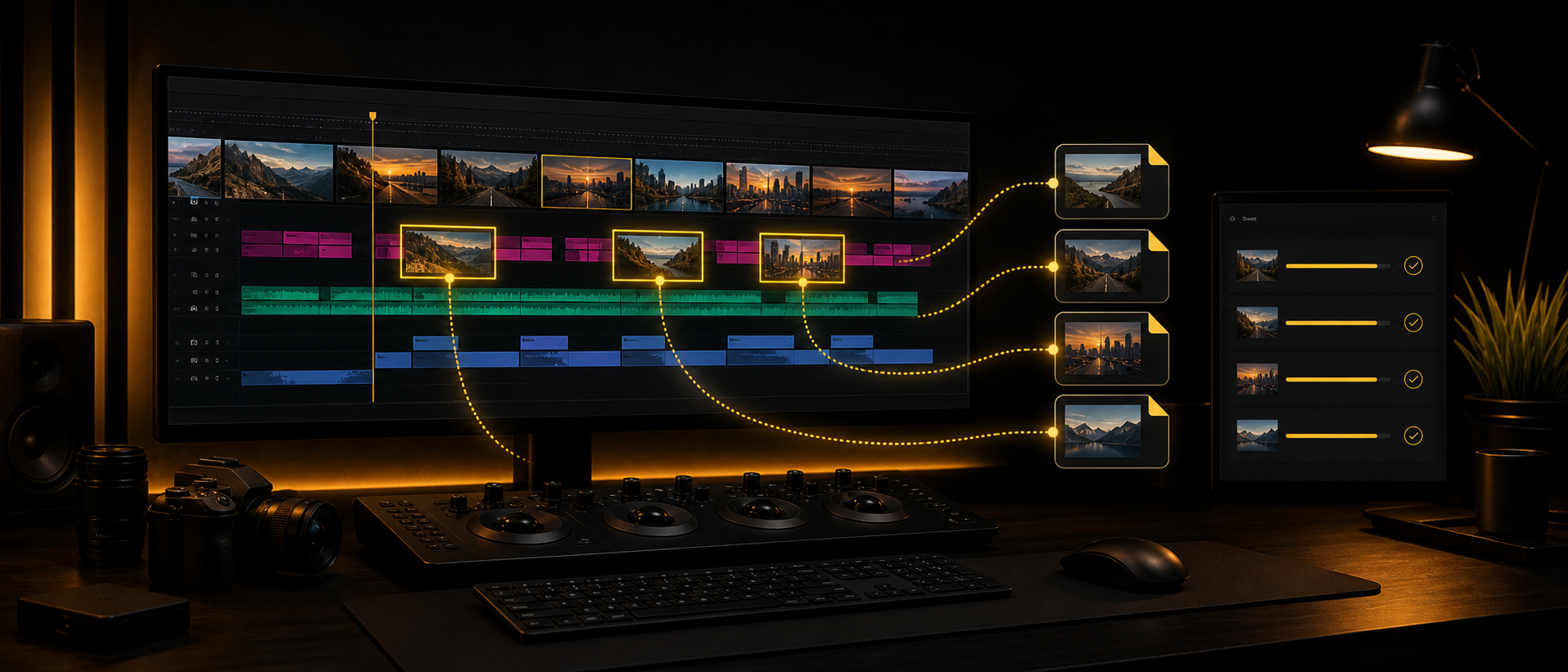
Clip Exporter 1.2: Source-Based Names for Faster Timeline Exports
Clip Exporter 1.2 is a small release with a very practical goal: make individual clip exports easier to recognize after they leave the Premiere Pro timeline. The headline addition is a new naming option that lets exported files use the original source footage names, which is exactly the kind of detail that saves time when you are reviewing, archiving, reconnecting, or sending selects to someone else.
The core workflow is still the same. Select the clips you need, choose your own export preset, send the batch to Adobe Media Encoder, and let Clip Exporter create individual files without making a separate sequence for every shot. Version 1.2 simply makes the output folder cleaner and easier to understand.
What Is New in 1.2?
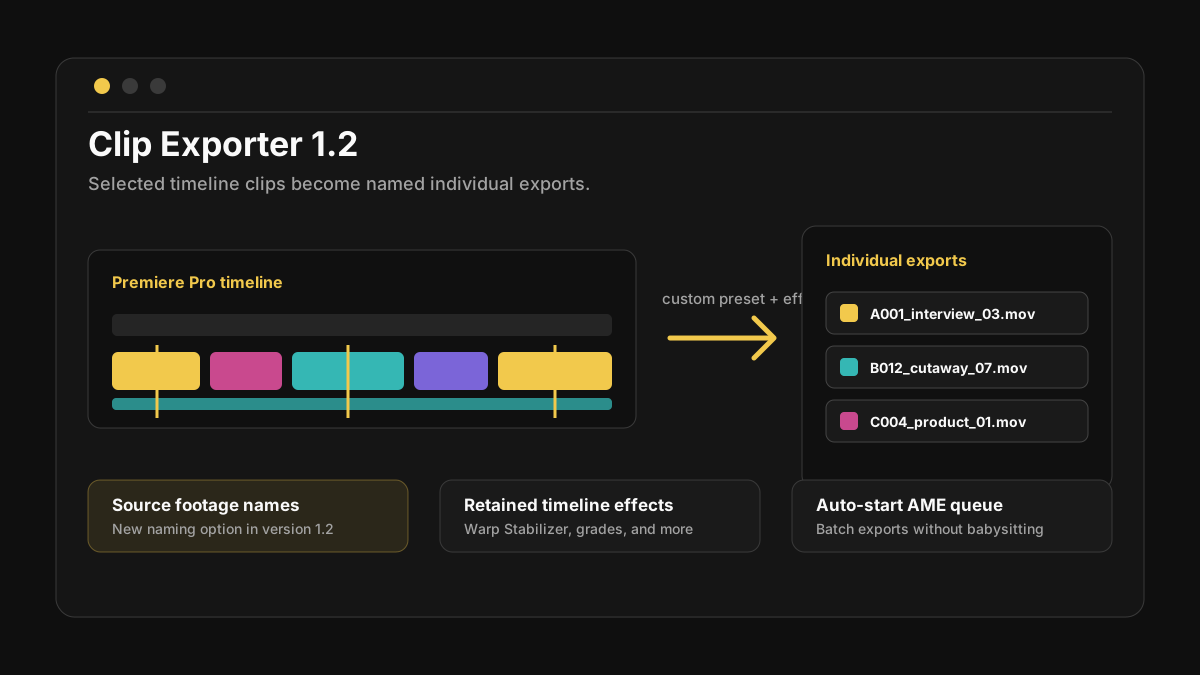
The main new feature is simple: Clip Exporter can now use source footage names as output names. If you are exporting selected clips from a timeline, the final files can be named after the original media instead of only relying on a custom batch name or numbered sequence.
That matters because individual exports often continue living outside the edit. They get sent to clients, dropped into review folders, archived for later, handed to another editor, or used as finished selects. When the output names line up with the source footage, it is easier to know what each file came from.
The practical 1.2 upgrade
Exported clips can now carry source footage names, making the output folder easier to scan, reconnect, and explain to anyone who was not sitting inside your Premiere project.
Why Source-Based Names Are Useful
Most editors have had this folder at least once: clip_001, clip_002, clip_003, and no idea which shot is which until you open them one by one. That is fine for a tiny batch, but it gets painful when you are pulling dozens of shots from a long timeline.
Source-based naming gives each export more context. A b-roll pull can keep the camera card name. A client preview can be traced back to the original source. A graded or stabilized clip can be archived as an individual file without losing the connection to the material it came from.
The Features That Still Matter
Clip Exporter is built for the export jobs that are too repetitive to do manually but too specific to solve with one normal sequence export. Version 1.2 keeps the features editors already use:
- -Export selected Premiere Pro timeline clips as individual files.
- -Use your own custom Premiere Pro export presets.
- -Retain effects from the timeline, including Warp Stabilizer and Master Effects.
- -Customize output naming for cleaner batches and delivery folders.
- -Auto-start the Adobe Media Encoder queue so the batch begins right away.
A Cleaner Workflow
The normal manual method is slow: duplicate clips, make separate sequences, check export settings, export one item, repeat. Clip Exporter is for the moment when the editorial decisions are already made and you just need the selected pieces turned into files.
With 1.2, the workflow becomes more useful after the export finishes. The files in the folder can carry recognizable names from the source media, while the exports still include the effects, color work, stabilization, and preset choices from your timeline workflow.
Who This Release Helps Most
If you only export one clip at a time, this update is nice. If you regularly export lots of selected clips, it becomes much more valuable. The source-name option is especially useful for:
- -B-roll pulls from long source clips or assembly timelines.
- -Client previews where separate shots need to be sent quickly.
- -Archiving graded, stabilized, or effect-heavy timeline versions.
- -Editors who need exports that are easy to reconnect later.
Price and Availability
Clip Exporter 1.2.0 launched as a one-time purchase for $20, with a $25 option that included future updates. The plugin has since moved on to version 1.3.4, which costs $30 as a one-time purchase.
If you spend too much time turning timeline selects into separate files, this is the kind of workflow tool that quietly earns its keep. It does not try to change how you edit. It just removes the most repetitive part of getting those edited clips out of Premiere.
Get Clip Exporter
Batch-export selected timeline clips, use your own presets, keep timeline effects, and name outputs from source footage when that makes the handoff cleaner.
Share this article