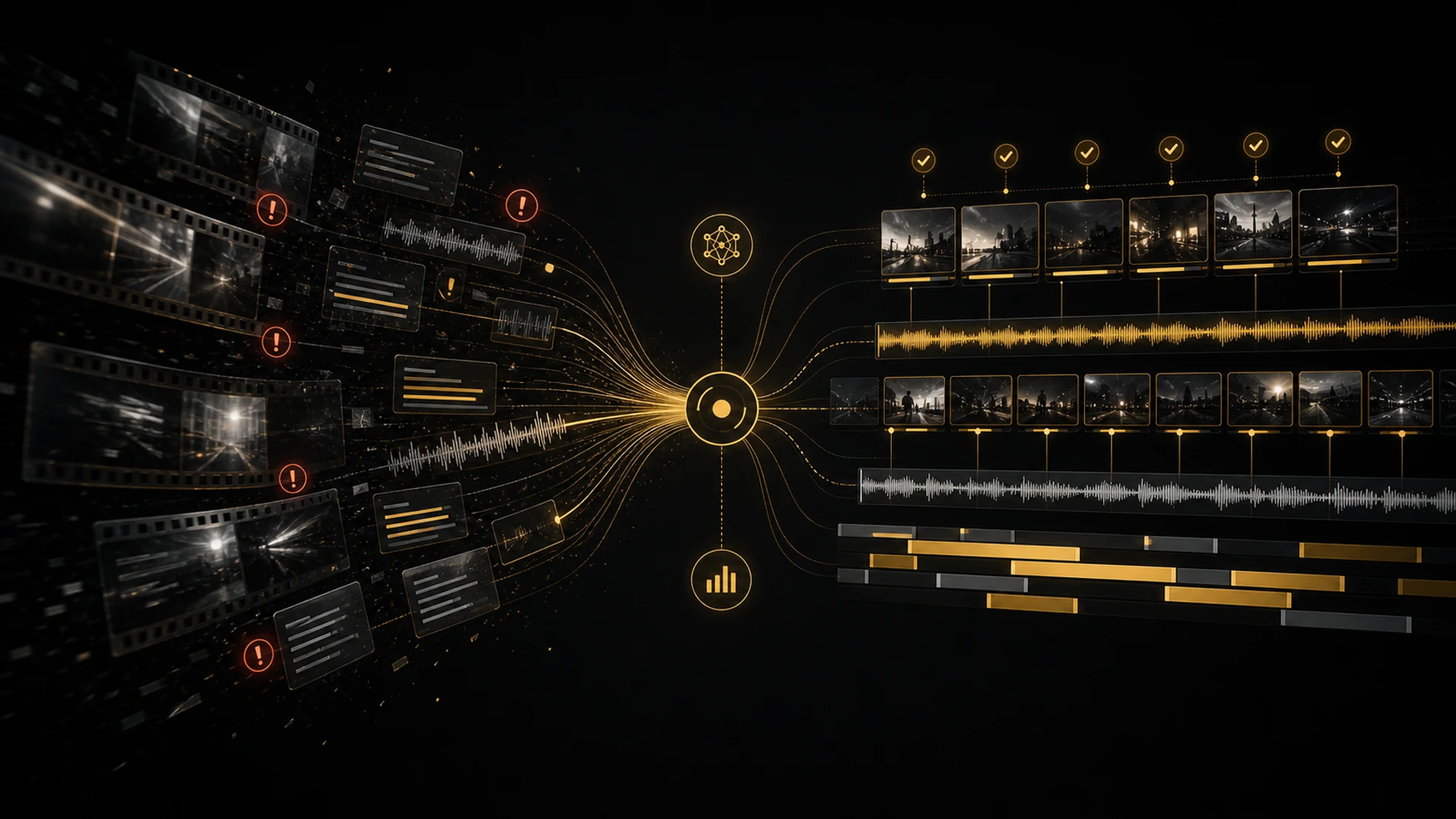
AI for Editors: Hype vs. What's Actually Useful in 2026
Every NAB for the past five years, some company has demoed an "AI editor" that promises to replace human editors. The demo always looks incredible. A perfectly cut scene assembled in seconds, music synced automatically, color balanced with one click. The audience gasps, investors write checks, and then actual editors try it and it falls apart.
I have been testing AI editing tools for years now. I have watched the hype cycle spin more than once, and I am going to tell you something most product demos will not. AI is not replacing editors anytime soon. But some tools have genuinely crossed the line from gimmick to real workflow upgrade, and it is worth knowing which.
Let me separate what actually helps from what is still vaporware. I will also show you where AI Editor fits in, because full disclosure, it is the one tool I use on every project now.
Transcription That Actually Works
This is the foundation everything else builds on, and it is genuinely solved. Modern speech to text handles multiple speakers, accents, crosstalk, and technical vocabulary well on clean audio. Even rough location sound is usually accurate enough to search and navigate.
When your footage is transcribed and searchable, you stop scrubbing timelines and start reading. Finding the one quote about "budget constraints" across twelve interviews becomes a quick search instead of a six hour archaeological dig. I have not manually transcribed an interview in a long time.
Clip Selection and Ranking
This is where it gets interesting. A few tools now use language models to read transcribed content and surface the strongest clips, looking for complete sentences, emotional language, and narrative beats. The results are not perfect, but they beat random selection every time and they are dramatically faster than watching every minute.
On a typical large documentary, a good clip selector surfaces most of the clips I would want in my stringout, cutting review from days to hours. AI Editor's confidence ranked system, with prompts for different content types including Powerful One-Liners and Documentary Selects, is the most refined I have used. I walk through that exact process in my AI Editor stringout workflow.
Auto Rough Cuts: Useful but Limited
Several tools promise automatic rough cuts from a script or outline. In practice they produce timelines that contain roughly the right clips in roughly the right order, but lack the pacing, breathing room, and emotional intelligence of even a mediocre human editor.
I tested one that promised "documentary editing in one click." It built a timeline in about three minutes. I threw it away and started over. The clips were relevant, but the rhythm was robotic and it missed every emotional beat that mattered. Auto-assembly is a fine starting point for simple projects. For anything with narrative weight, ranked clip selection plus manual assembly wins.
Where the Hype Still Wins
Plenty of features still belong in the demo reel, not your timeline.
- •Full auto-editing. Upload footage, get a finished edit. I have tested several of these, and every one produced results I would be embarrassed to show a client. Editing is a creative act, and AI does not understand context, emotion, or intent.
- •AI color grading that "understands mood." Fine for basic exposure and white balance fixes. But a tool that claims to read the emotional tone of a scene is really just applying a LUT from histogram analysis. It does not know the scene should feel melancholy. Final color still needs a human eye, as I cover in my color management workflow.
- •AI music selection and sync. It beat-matches stock music to your cut points. This works for simple social filler. For anything where music drives emotion, the results are generic at best and distracting at worst.
How I Actually Use AI in a Real Project
Here is the honest breakdown of where AI fits into my workflow and where it does not.
My real AI split per project
- •Transcription: 100 percent AI. Faster, cheaper, and accurate enough that I rarely correct it.
- •Clip selection: about 80 percent AI assisted. The AI ranks by confidence and does the heavy initial review. I make the creative calls.
- •Stringout, rough cut, fine cut: 100 percent human. Pacing, order, flow, music, sound design. These need taste and context that no tool I have tested can fake.
- •Export and delivery: partly AI assisted. I use Clip Exporter to automate the mechanical part of pushing out multiple formats, but the settings and quality control stay human. My deliverables guide has my exact specs.
How AI Editor Compares
I get asked regularly how AI Editor stacks up against the other tools out there. Here is my honest take.
- •vs. Descript. Descript is great, with a different philosophy built around text based editing. It works well for podcasts and simple interview content. AI Editor wins for me on the confidence ranked clip selection and the fact that it lives inside Premiere Pro, where I already cut.
- •vs. Premiere's native AI. Scene edit detection, auto-reframe, and speech to text all work. But Premiere does not offer intelligent clip selection ranked by content quality, which is the gap AI Editor fills.
- •vs. OpusClip and social tools. They pull short-form clips from long-form content well, but they are single purpose. AI Editor's Powerful One-Liners prompt covers short-form clip extraction inside a broader system that also handles documentary and long-form work.
- •vs. Avid. Avid has been slower to integrate AI, and what it offers is mostly transcription based. If you are on Avid, it is worth keeping a Premiere system around just to run AI Editor before roundtripping the fine cut back.
Will AI Replace Editors?
Let me address the fear directly. No, not the editors who bring creative judgment, storytelling instinct, and client management to the work. What AI will replace, and is already replacing, is the mechanical drudgery: the logging, the stringout assembly, the search through forty hours of footage for one line.
The editors who use AI as a tool will be more productive and have more energy for the work that matters. The ones who refuse and insist on doing everything by hand will not be replaced by AI. They will be replaced by editors who use it.
Pro tip: do not think of AI Editor as something that edits for you. Think of it as an assistant editor who works at machine speed. It finds clips, organizes material, and suggests selects, but you are still the editor making every creative decision.
What to Look For in an AI Editing Tool
If you are evaluating AI tools for your own workflow, here is my checklist.
Must-haves.
- •Integration with the NLE you actually cut in, whether that is Premiere, DaVinci, or Avid.
- •High quality transcription with speaker identification.
- •Intelligent clip selection based on content, not just audio levels.
- •Customizable parameters, so you can influence what the AI looks for.
- •Fast processing. If it takes longer to process than to watch the footage, it is not saving time.
Red flags.
- •Anything that claims to "replace" editors.
- •A tool that requires uploading all your footage to cloud servers, with the privacy and bandwidth costs that brings.
- •Promises of "one click editing."
- •Demo videos that only show simple, perfectly lit talking heads.
The Bottom Line
AI for video editing is real, useful, and getting better. But it is a tool, not a replacement. Adopt the parts that genuinely save time, transcription, clip selection, and batch exports, while keeping the creative work firmly in human hands.
AI Editor is the tool I settled on because it augments my workflow without trying to take it over. It handles the parts I do not enjoy, the logging, searching, and initial review, and gets me to the parts I do enjoy in a fraction of the time. You can grab it from the Cut to the Point presets and plugins page, or read the full breakdown on the AI Editor page.
Share this article