The Podcast Editing Workflow: 40 Minutes to Final Cut
Podcast editing is a volume game. When you produce a weekly show, the gap between a six hour edit and a two hour edit is the gap between a workflow you can sustain and one that burns you out in three months.
I cut podcasts for clients on retainer, plus my own show when I find the time. Across many episodes I have refined a process that takes me from raw recordings to a polished final cut in about two hours for a typical forty minute episode. The trick is not that I am some editing genius. It is that I built a system where the computer does the repetitive work and I spend my attention on the creative calls. A lot of it starts with the same template thinking I describe in my project template post.
Phase 1: Ingest and Sync (10 Minutes)
The first thing I do when new episode files arrive is get everything organized. My project template drops every podcast episode into the same structure: host tracks, guest tracks, intro and outro bins, a music bin, an SFX bin, and a selects sequence where I park the good moments.
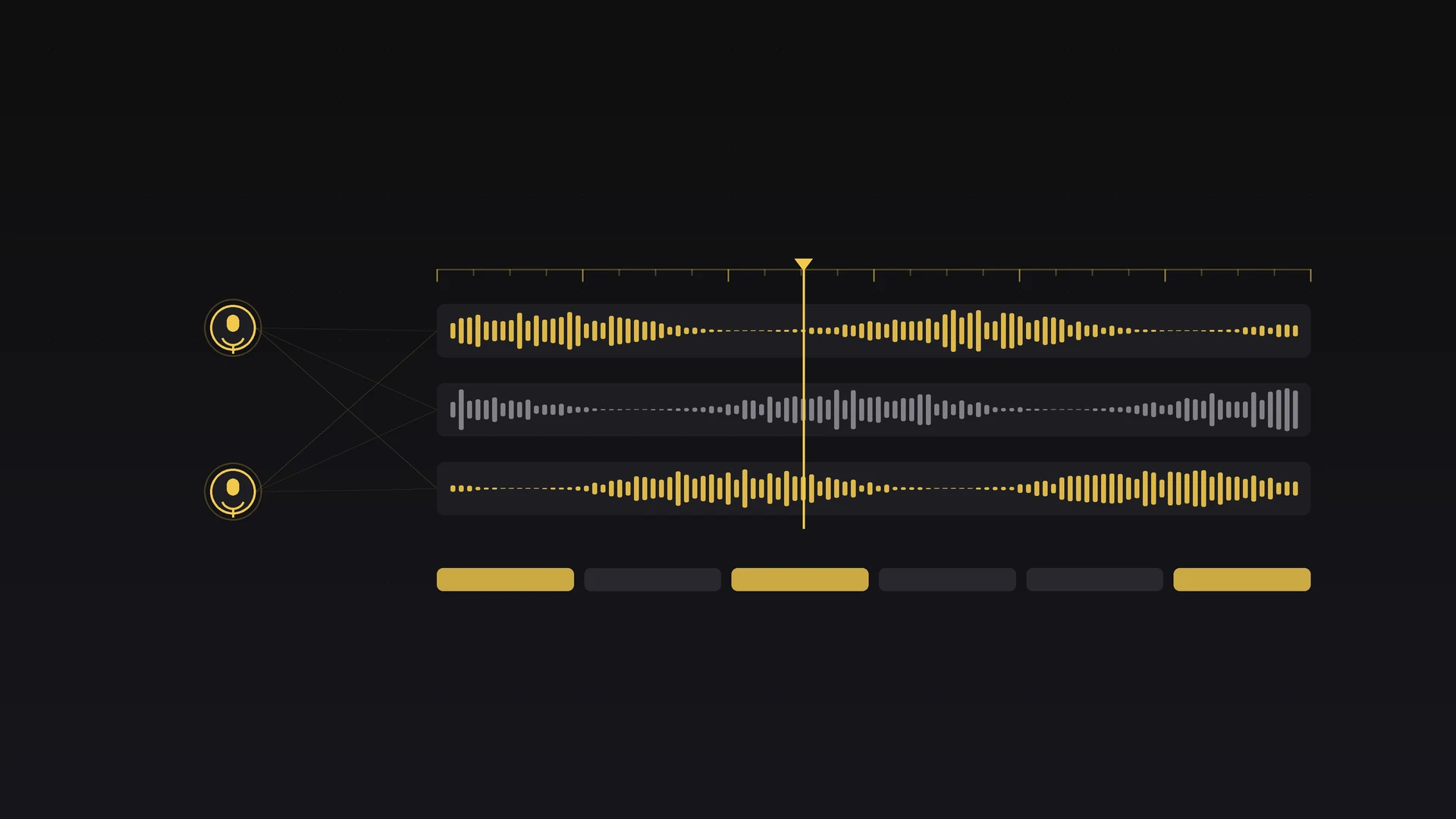
Most of my podcasts are remote recordings over Riverside, SquadCast, or Zencastr, so I get one audio file per speaker plus a video or screen recording. My sync routine looks like this:
- Import all files into the template project.
- Drop every audio track on its own timeline track, aligned by timecode. Riverside and most platforms embed matching timecode.
- If the timecode does not line up, I use Premiere's waveform sync instead. It is slower but reliable, and it is the same approach I lean on for multicam edits.
- Label each track clearly: HOST, GUEST_1, GUEST_2, and so on.
- Mute everything but the primary tracks and do a quick listen to confirm sync.
Pro tip: if a guest recorded locally, which sounds far better than a platform capture, always ask them to also keep a backup on their phone or in QuickTime. I have had corrupted local files that would have killed an episode if the backup had not existed.
Phase 2: The AI Content Pass (30 Minutes)
This is where AI Editor changes the math. Instead of scrubbing through forty minutes of conversation by hand, I run the episode through AI Editor's Documentary Selects prompt and let it rank every clip by confidence. I walk through the full version of this on long interviews in my stringout workflow post.
Transcription. I select all the audio tracks and run the transcription. A forty minute, two speaker episode takes about two minutes. I confirm that speaker identification is right and tag who is who by hand when the voices are close.
Reviewing the ranked clips. AI Editor works directly in your Premiere sequence. It razors the timeline at each selected clip's in and out point, then lifts clips to higher tracks based on confidence level (1, 2, or 3). For a forty minute episode I usually see:
- •Eight to twelve clips at the highest confidence level. These are the core.
- •Ten to fifteen clips at medium confidence. These fill gaps and add context.
- •A handful of lower-confidence clips. I scan these fast.
I work through the tracks top to bottom, listening to each clip, then color label it in Premiere: green for keeping, yellow for maybe, red for cut. The sequence markers carry the AI's note on what it found in each range. The color pass takes about fifteen minutes. At the end I have a clear map of what is worth building with. I drag the green clips into a fresh sequence in rough order, then fill gaps with yellows where it helps.
This used to eat ninety minutes of careful listening. With AI Editor it is closer to thirty, and that single change is the biggest time save in the whole workflow.
Pro tip: do not let the rankings overrule your gut. Some of the best podcast moments score low because they are conversational, emotional, or tangential. I listen to at least the first few seconds of every clip, even the low scorers. I have found gold in the 50 to 60 percent range.
Phase 3: The Creative Edit (45 Minutes)
Now the real work starts. I have a stringout of maybe twenty five minutes of usable material from the forty minute recording, and my job is to shape it into a coherent episode.
Finding the hook. Every episode needs to open strong. I look for one of three things: a surprising or contrarian take, a clear question the episode answers, or a funny, human moment that pulls the listener in. AI Editor often surfaces the hook in my purple clips, though the best opener is sometimes something I build from two clips, a host setup followed by a guest reveal.
Structuring the conversation. Podcasts mostly follow the chronological flow of the talk, but that does not mean every tangent survives. My structure usually runs:
- Hook: 30 to 60 seconds of the best moment.
- Intro: host welcome, guest introduction, episode preview.
- Main conversation: the meat of the episode, edited for pace.
- Key moments: highlights pulled from the conversation.
- Wrap: a natural conclusion or host summary.
- Outro: music bed, call to action, credits.
Pacing and tightening. This is where I earn the fee. I listen through and cut for pace:
- •Trim the ums and ahs when they distract.
- •Tighten pauses. A two second gap feels much longer in audio.
- •Remove repeated phrases where the speaker restarts a thought.
- •Cut side conversations that do not serve the episode.
- •Crossfade between clips for smooth transitions.
The goal is not to make it robotic. Some natural speech should stay. The goal is to remove the friction that makes people tune out.
Pro tip: I keep a cutting room floor sequence where everything I remove lands. Producers sometimes want a best of the cuts reel for social, and pulling from that sequence is far faster than digging back through raw footage.
Phase 4: Hooks and Social Clips (15 Minutes)
While I edit, I watch for moments that stand on their own. They tend to be 30 to 60 second segments with a clear beginning, middle, and end: strong opinions, surprising facts, or emotional beats with viral potential. I mark them with the razor and copy them to a Social Clips sequence. AI Editor's Powerful One-Liners prompt often surfaces these on its own, but I have trained myself to spot them mid edit too. Most episodes give me three to five solid clips. The quotable guests give me as many as ten.
Phase 5: B-Roll and Visual Elements (15 Minutes)
For video podcasts this step matters. For audio only I skip it. Podcast B-roll is not about illustrating a narrative, it is about covering edits and adding visual interest. What works: photos or screenshots tied to what the guest is discussing, overlay graphics with a key quote or stat, thematically relevant stock footage, and reaction cutaways of the host or guest.
I use Essential Motion 3.1, the free motion graphics pack, for lower thirds, quote cards, and basic graphics, so I am not building templates from scratch. For photo inserts I lean on auto reframe to handle aspect ratios, then drop them on tracks above the primary footage and match the duration to the audio.
Pro tip: do not overthink podcast B-roll. A simple quote card with the guest headshot and one strong line usually beats an elaborate graphic. The audience is listening first and watching second.
Phase 6: Final Mix and Export (10 Minutes)
The last phase is getting the audio right and exporting for distribution. My standard chain, most of it saved as track effects in the template, runs:
- Noise reduction when a guest recording has room tone.
- EQ per track, a gentle high pass on voices and a notch on any problem frequency.
- Compression to even out levels between speakers.
- A limiter on the master to catch peaks.
- Loudness normalization to -16 LUFS for stereo, the podcast standard.
I cover the reasoning behind that chain in more depth in my audio editing guide. Then I export three versions: H.264 1080p with stereo audio for YouTube, a 320 kbps MP3 at -16 LUFS for the RSS feed and Spotify, and separate host and guest stems for the producer archive. I batch all of it with Clip Exporter in one click instead of building an export queue by hand for every episode.
The Two Hour Breakdown
Here is how the two hours actually splits on a typical forty minute episode:
- •Ingest and sync: 10 minutes.
- •AI content pass: 30 minutes.
- •Creative edit: 45 minutes.
- •Hooks and social clips: 15 minutes.
- •B-roll and graphics: 15 minutes.
- •Mix and export: 10 minutes.
That is about two hours, against the five hours my old process used to take. At two episodes a week, it saves close to a full workday.
Why This Actually Works
The key is not any single tool. It is that I split the work into phases and hand each phase to whatever is best at it. Mechanical work, finding content and transcription, goes to AI Editor. Creative work, pace and structure and storytelling, stays with me. Technical work, sync and mixing and exporting, runs on templates and batch tools. When every phase has a clear owner, nothing gets duplicated and nothing slips through.
Want the tools behind this workflow? AI Editor handles the content pass, Essential Motion 3.1 covers graphics, and Clip Exporter batches delivery, all on the presets and plugins page. For more deep dives, browse the blog.
Share this article